

When using YouTube for information or entertainment, or whatever it may be, there comes a time when you are looking just to rip audio from YouTube. So, the question arises - how to rip audio from YouTube videos fast and simply? In this blog, we will try to find out the best options to rip audio from YouTube with a focus on safety and security. Given the legality of YouTube video downloads and associated risks, it is also essential to check out the check the critical legal and safety options involved in ripping audio from YouTube.
Rip Audio from YouTube Music on Windows & Mac: MusicFab
Well, we have covered the paid and free desktop software tools that offer a seamless YouTube Music conversion. But, one tool that stands out as the most promising and outstanding option is MusicFab YouTube Music Converter.
It stands out as a dedicated and high-performance downloader for YouTube Music with a focus on safety. It is designed to cater to the specific needs of music enthusiasts looking for quality, speed of download, of course, a safety net from the security risks. It works with a high degree of efficiency and safety when you compare it to the unreliable online converters and other community-based tools.
Key features:
- Multiple file formats supported: You can download your audio in multiple file formats that include MP3, M4A, FLAC, and WAV.
- Batch downloads: Download multiple tracks or even a playlist in one go. This saves you time and effort.
- Metadata retention: The downloader retains the metadata and ID3 tags of the tracks. This can be helpful in the proper organization of your downloaded files.
- Faster download: MusicFab offers a 20 times faster download performance when compared to the other tools in its category.
- High quality downloads: The tool supports downloads in a quality as high as 320 kbps.
How to use MusicFab to rip audio from YouTube?
Well, the steps involved in downloading music from YouTube Music should be very easy and do not require you to have a high degree of technical expertise.
Step 1. Download and install MusicFab on your computer
Use the official website to download the tool onto your computer and install it. You can choose from among Windows or Mac versions based on your operating system. Make sure to choose the free trial option, which allows you to download 3 songs from YouTube Music first before you buy.
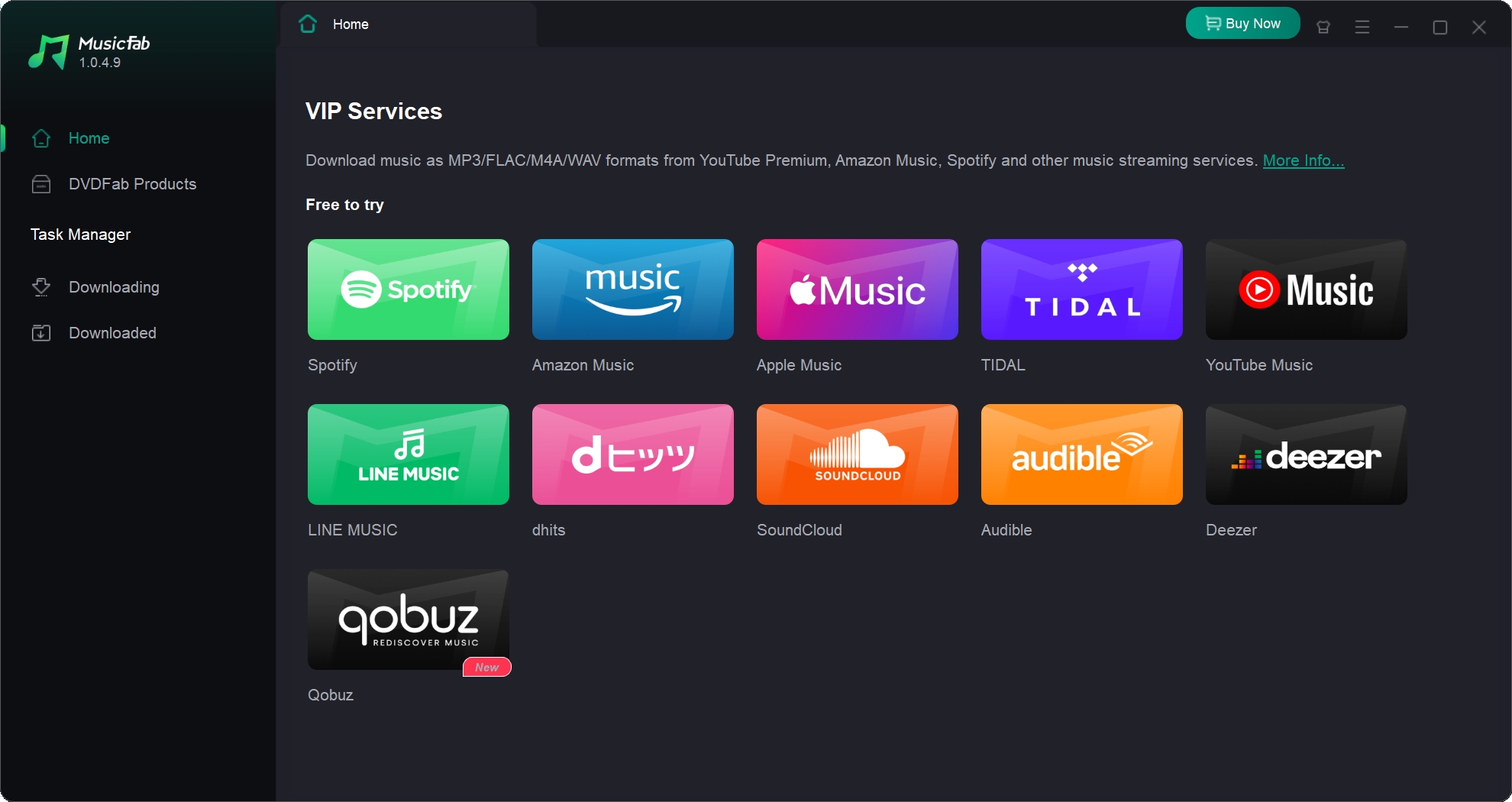
Step 2. Choose YouTube
From among the different streaming services and video sharing sites supported, choose YouTube. Sign in to your YouTube account.
Step 3. Choose the song, playlist, or album you want to rip audio from
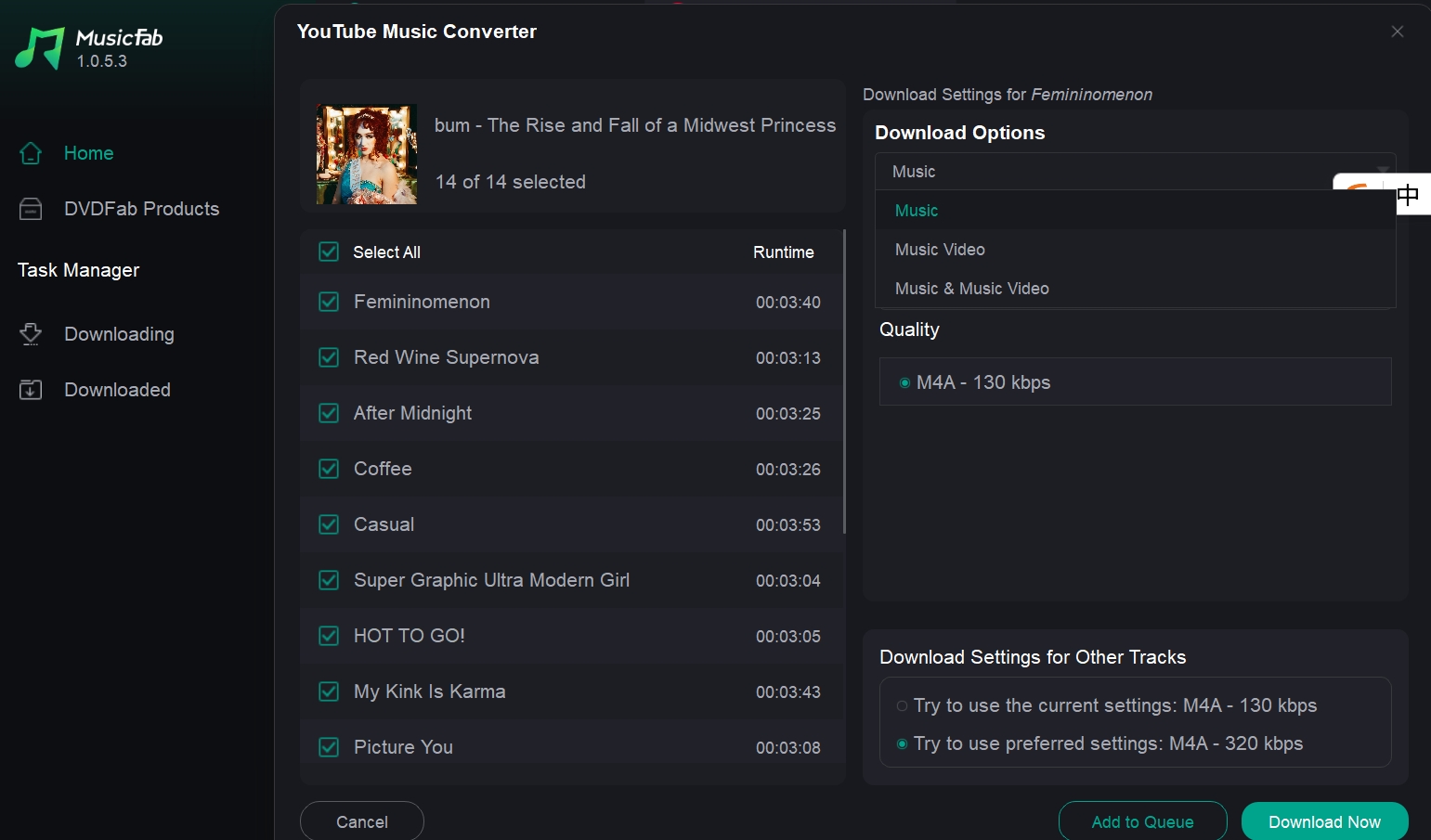
Search and find the music video or audio that you want to rip the audio from. This will bring up the download parameters window. Choose your preferences with respect to the file format, quality, and other details.
Step 4. Download the audio
Click on Download Now, and the audio will be downloaded onto your device.
Rip audio from YouTube with Free Online Converters
Well, now that we have made it clear from the legal standpoint. Here are a few good options that you can explore to download audio from YouTube videos.
There are several online YouTube video or audio downloaders. You can check out a good YouTube audio extractor and downloader and see how it works. Do remember that these tools come with inherent safety risks. They may introduce malware into your device or pose other related security risks.
Let us explore a couple of tools that we have found useful.
2.1 YTMP3.cc
You can use the tool to convert YouTube into MP3 or MP4 video files and download them. You can download your audio for free. The best part is that the tool works across PCs, tablets, and smartphones. The tool claims that the conversion is always achieved in the highest possible quality. However, our use of the tool has come up with a few cases where the download quality is considerably lower, when compared to the 320 kbps quality provided by tools like MusicFab.
Here is how it works:
- Launch your browser and visit YTMP3.cc
- Copy the YouTube video URL and paste it into the space provided
- Select MP3 as the output format
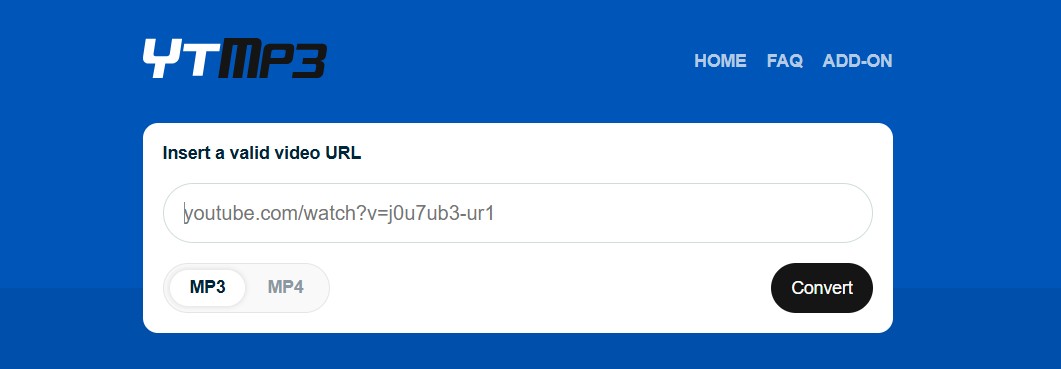
- Click on Convert
That does it, and the audio will be ripped onto your device.
2.2 FLVTO.biz
The high-quality audio and video downloader for YouTube, Flavo, offers a free-to-use model for your downloads. Apart from YouTube, it supports over 1000 other sites. Compatibility with practically every available browser further makes it a worthy option for versatility.
Here is how you can work with it:
- Visit Flavo.biz on your preferred browser
- Copy the URL for the YouTube video that you want to rip audio from.
- Paste the URL in the space provided.
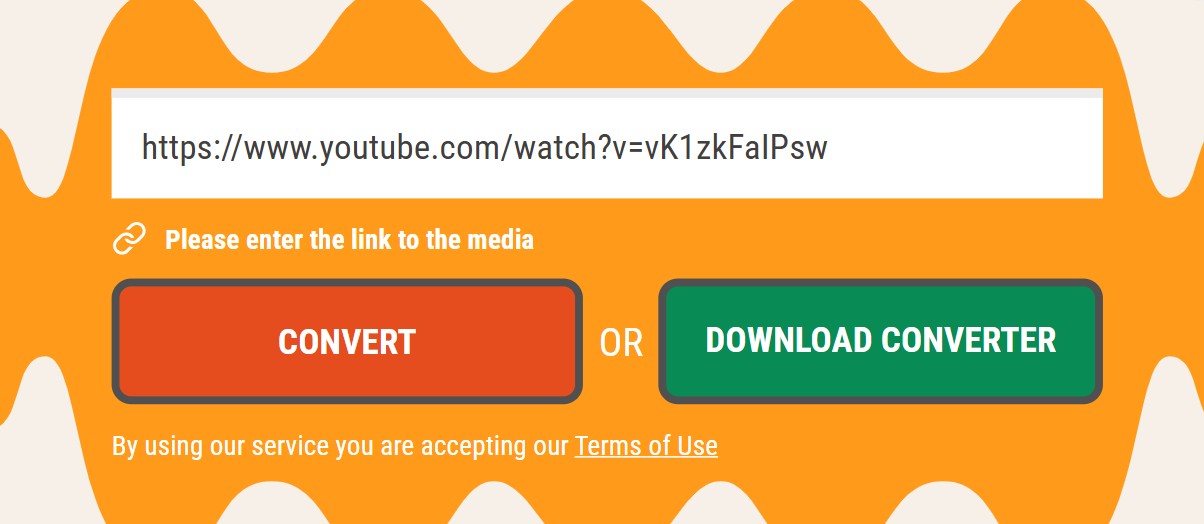
- Click on Convert
- You will get the quality and format that you can download audio or video in. Make your choice
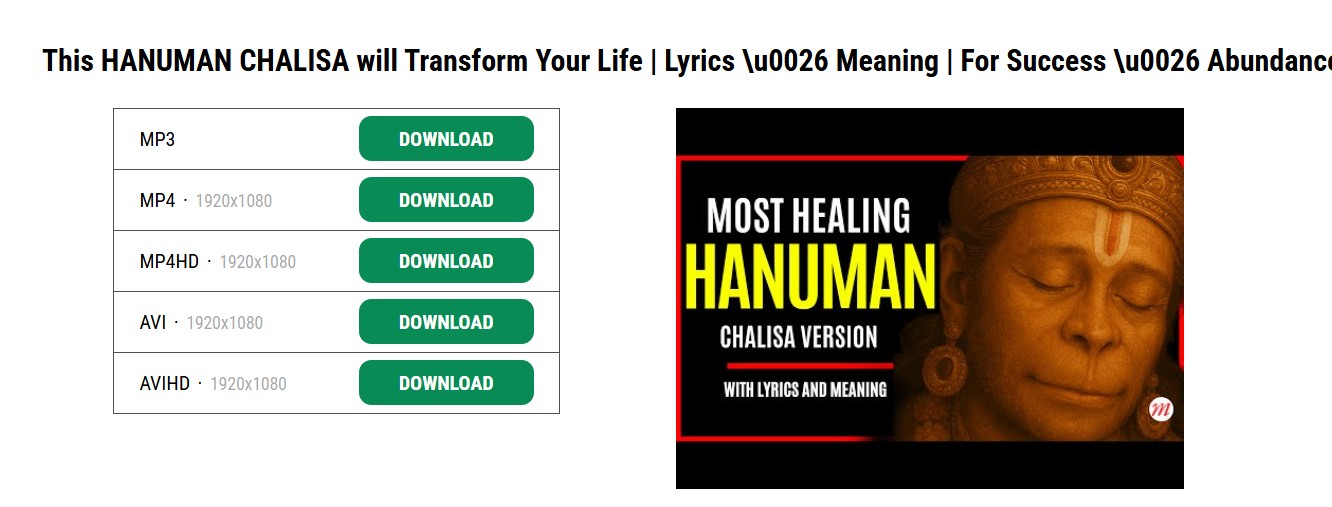
- Click on Download
The online tools, however, come with a few disadvantages:
- The audio quality may or may not be satisfactory
- Confusing ads can be a concern.
Rip Audio from YouTube: Advanced Community-Preferred Solutions
Communities like Reddit offer a few supposedly reliable tools that let you rip audio from YouTube. They suggest and recommend open-source tools such as youtube-dl and yt-dlp for their flexibility and privacy advantages.
Here are a few recommendations on how to rip audio from YouTube videos by Reddit users.
3.1 youtube-dl
This is a method that should best suit advanced users. The method is well documented on GitHub and lets you rip YouTube audio with ease. However, there are a few tutorials available online that help beginners get started with these mentors.
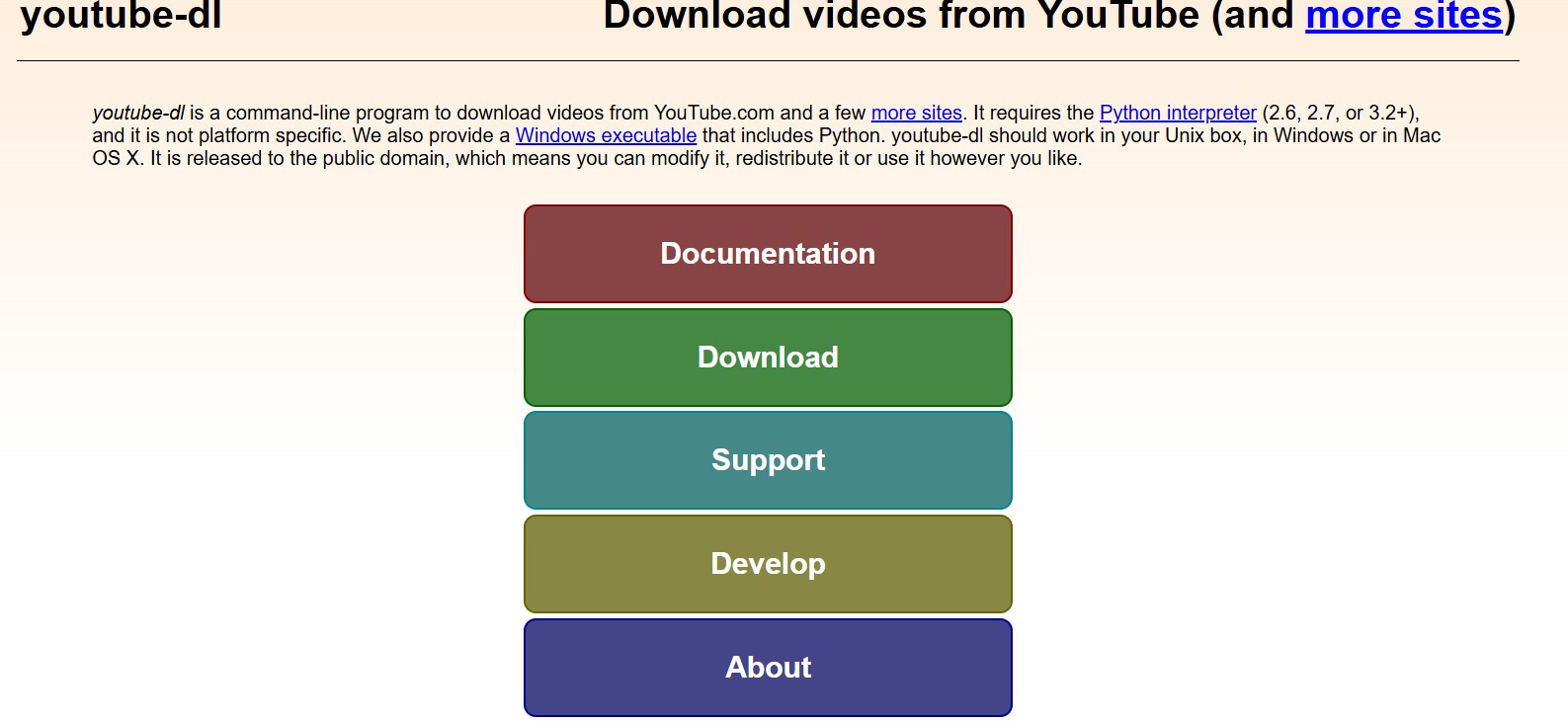
If you are an average user, the method may appear to be a bit complex for your needs. The best part of the tool is that it can be customized to suit your specific needs.
3.2 yt-dlp
This is a fork of the above tool. It supports more sites and file formats than youtube-dl. The tool is actively maintained and continues to receive regular updates.
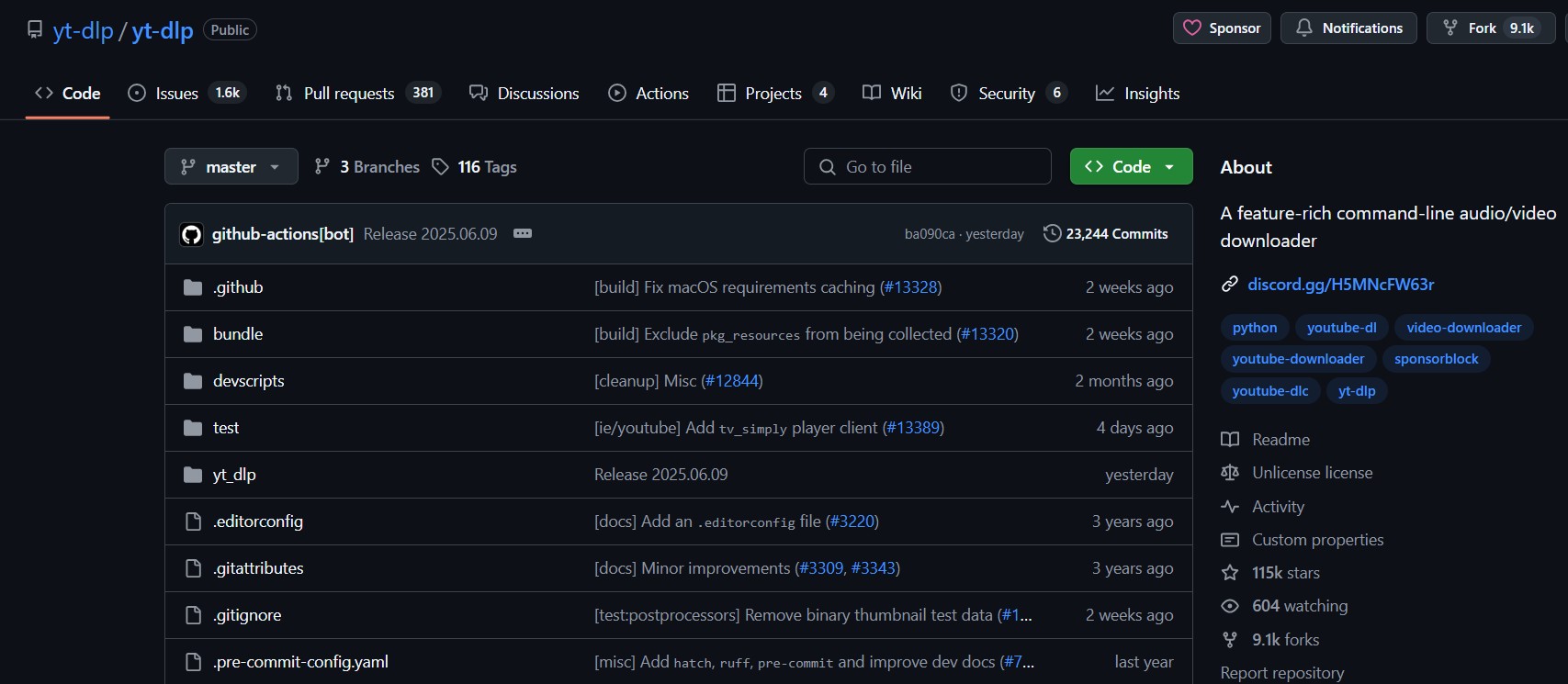
Just like the above tool, this one requires you to have a sound technical knowledge of Terminal or CMD.
Apart, Reddit, users also recommend the tools similar to the ones we already mentioned. All these tools come with similar functionality.
Comparison Overview: YouTube Music Downloaders
| Downloader | MusicFab | YTMP3.cc | FLVTO.biz | youtube-dl | yt-dlp |
|---|---|---|---|---|---|
| Ease of Use |
|
|
|
|
|
| Format | MP3,FLAC,WAV and more | MP3 | MP3 | MP3 | MP3 |
| Quality | up to 320 kbps | below 320 kbps | below 320 kbps | below 320 kbps | below 320 kbps |
| Batch conversion | |||||
| Retains ID3 tag info |
FAQ
Can I get true 320 kbps audio from YouTube/YouTube Music?
Not if the source stream tops out lower. Exporting to 320 kbps only increases file size; it doesn’t add missing detail.

![10 Best YouTube to WAV Converters 2025 [Safe & Fast]](https://c.musicfab.org/uploads/images/2024-07/17206996344468865-25133daf28c92d3ac9abe86a67fddcf8.)
