

What is MyFreeMp3? Is there an alternative? This article provides an explanation of MyFreeMp3 and its alternatives.
Many people enjoy listening to music offline. But in 2026, the biggest challenge with “free MP3” sites isn’t just speed or quality, it’s stability and safety. Domains change often, mirror sites pop up overnight, and downloads can be bundled with aggressive ads, redirects, or push-notification traps. If you’re exploring MyFreeMp3, treat it as a search-style site rather than an official music store.
Section 1: What is MyFreeMp3?
MyFreeMp3 is a music search engine that lets people find and download free MP3s with a 320 kbps bitrate. It is also one of the most popular sites for downloading music and videos. MyFreeMp3 plays and indexes MP3s from various internet sources.

It provides many amazing features that will improve your overall user experience. Its converter is an online tool, so you don't need to download and install any third-party software.
Many high-quality sound files are compiled and available for selection on MyFreeMp3, an open and user-friendly platform for interested music enthusiasts.
MyFreeMp3 converts and downloads audio and video files with great accuracy. It saves a lot of time by doing faster conversions and downloads.
1.1 MyFreeMp3 Features
- Your music library can be instantly arranged into customized playlists.
- Using social media and messaging apps, you can share links to your favorite songs and playlists with your friends.
- MyFreeMp3 doesn't request account creation or other personal information from users.
- There is a search section with numerous features that enable users to locate specific tracks, artists, albums, or genres.
- Provides fast download speeds, enabling users to acquire music files easily and efficiently.
1.2 How to Use MyFreeMp3 to Download Music
Here are steps to use MyFreeMp3
- Fill out the text field with the name of the music you want to download.
- After that, there will be a list of music; choose the one that matches your description.
- You can play the music to make sure it is the correct one by clicking the "Play" button.
- Next, click the "Download" button to start the download process. If you prefer music videos, you can also download them in MP4 format.
1.3 MyFreeMp3 - Download Player
MyFreeMp3—Download Player is an Android version of MyFreeMp3 made for music fans who want to listen to their favorite songs without problems.
It is a multimedia app classified within the music and radio subcategory. Developed by Shizaahmad, the application guarantees users an exceptional listening experience, encompassing offline and online platforms.
Using this application, you can access your locally stored MP3 library and bring your music with you at all times. Additionally, you can discover new artists, tracks, and genres, as the application provides free music from various genres.
Additionally, the lock screen function of MyFreeMp3 - Download Player provides a more streamlined and fashionable interface while using the application. AI song recommendations, which generate a catalog of comparable songs according to your preferences, are also supported by the application.
Section 2: MyFreeMp3 Alternatives
2.1 MP3Juice Downloader
MP3Juice Downloader is one of the best free music downloaders that is available online. It allows you to download MP3 songs from Facebook, Instagram, Vimeo, SoundCloud, Audiomack, Bilibili, Tumblr, Mixcloud, Twitter, MySpace, TikTok, and many more.
Additionally, you support the careers of musicians, composers, and other professionals in the music industry by downloading music from authorized sources.
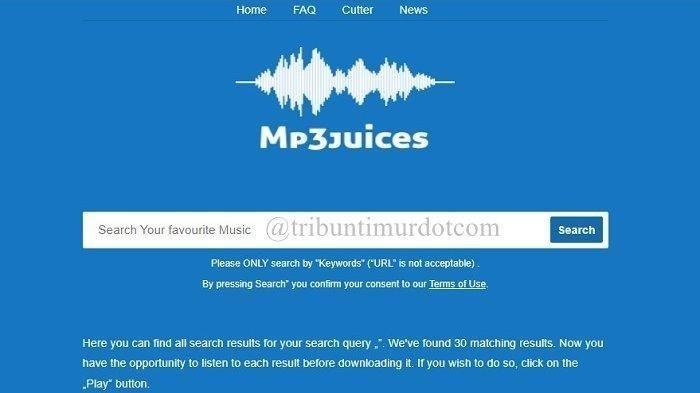
The website consistently includes music from popular artists and search engines, as well as newly supported platforms. Additionally, it offers a user-friendly layout with a search bar so you can use your computer or smartphone to find popular songs.
2.2 MP3Skull
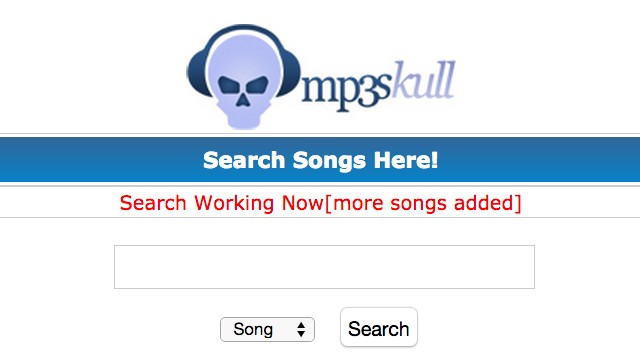
MP3Skull is a website that provides a simple way to download the best MP3 music for free, and it competes with MyFreeMp3. It features a large collection of high-quality MP3 tracks in its library.
The best feature of this website is its user interface. It has a search function for the name of your favorite singer or the composition you wish to play. The navigation is simple and fast. You can also post music on your blog or personal website.
2.3 MP3Dog
MP3Dog is a powerful music search engine and downloader. It collects MP3 music files from other available online resources and provides a simple way for you to find and download your favorite songs for free.
Other than that, it also provides song previews, allowing you to evaluate the audio quality before downloading. MP3Dog concentrates on offering secure and high-quality free MP3 music downloads. It contains a massive song database that includes music from many genres, years, and artists.
2.4 MP3 Quack
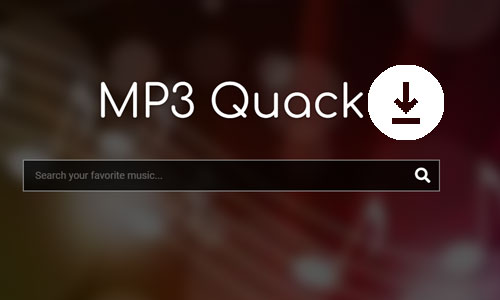
MP3 Quack is another popular website that is similar to MyFreeMp3. It contains an extensive library of whole albums, songs, playlists, radio stations, and music videos from a variety of genres with high-quality MP3 downloads up to 320kbps. MP3 Quack also supports formats such as FLAC, WAV, and MP4.
You can also look up music by song title, artist, genre, year of release, and more. MP3 Quack also offers trending charts, the most recent uploads, and mood categories such as party, workout, and chill to help you discover new music.
2.5 Y2Mate
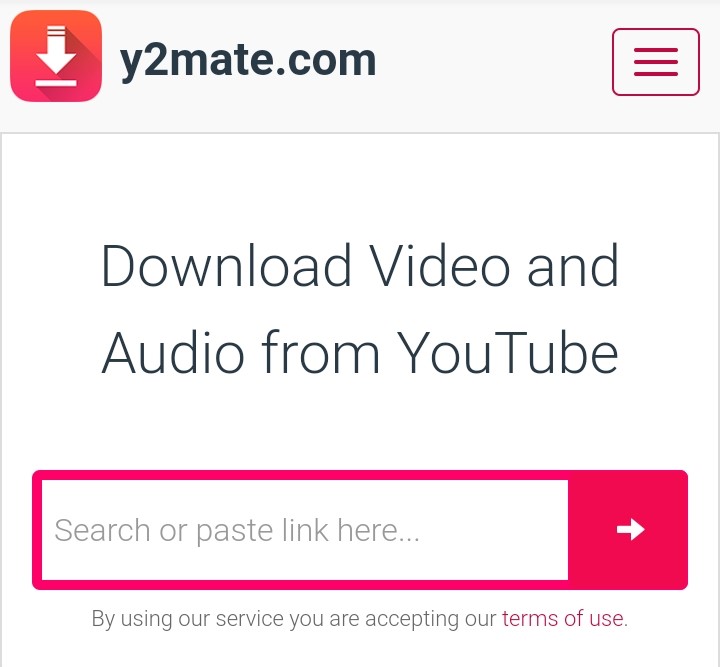
Y2Mate is a free online YouTube video converter that allows you to download music by converting videos to your computer in MP3 format.
The platform also works well with Facebook, DailyMotion, and other services. For a free program, it runs quickly and supports a wide range of formats.
Section 3: Is It Safe to Download Music From MyFreeMp3 and Its Alternatives?
The realistic answer: sometimes, but it’s not consistently safe. Sites in this category often rely on pop-ups, redirects, and push-notification prompts. Even one misclick can lead to unwanted downloads or shady extensions.
If you choose to browse them anyway, never allow notifications, don’t install “recommended” tools, and don’t reuse important passwords on any related pages. For the safest experience, prefer licensed download sources (artist stores, official downloads, or clearly permitted libraries).
Section 4: Desktop App For Downloading Music
Online music download sites are handy, but they have their limits. Sometimes you want more control, more features, and a smoother experience. That’s where a desktop music downloader shines. No ads, no slowdowns, and you get higher download speeds. Plus, you don’t have to worry about browser issues or limited file formats. If you’re serious about building your music library, a desktop tool is a game changer.
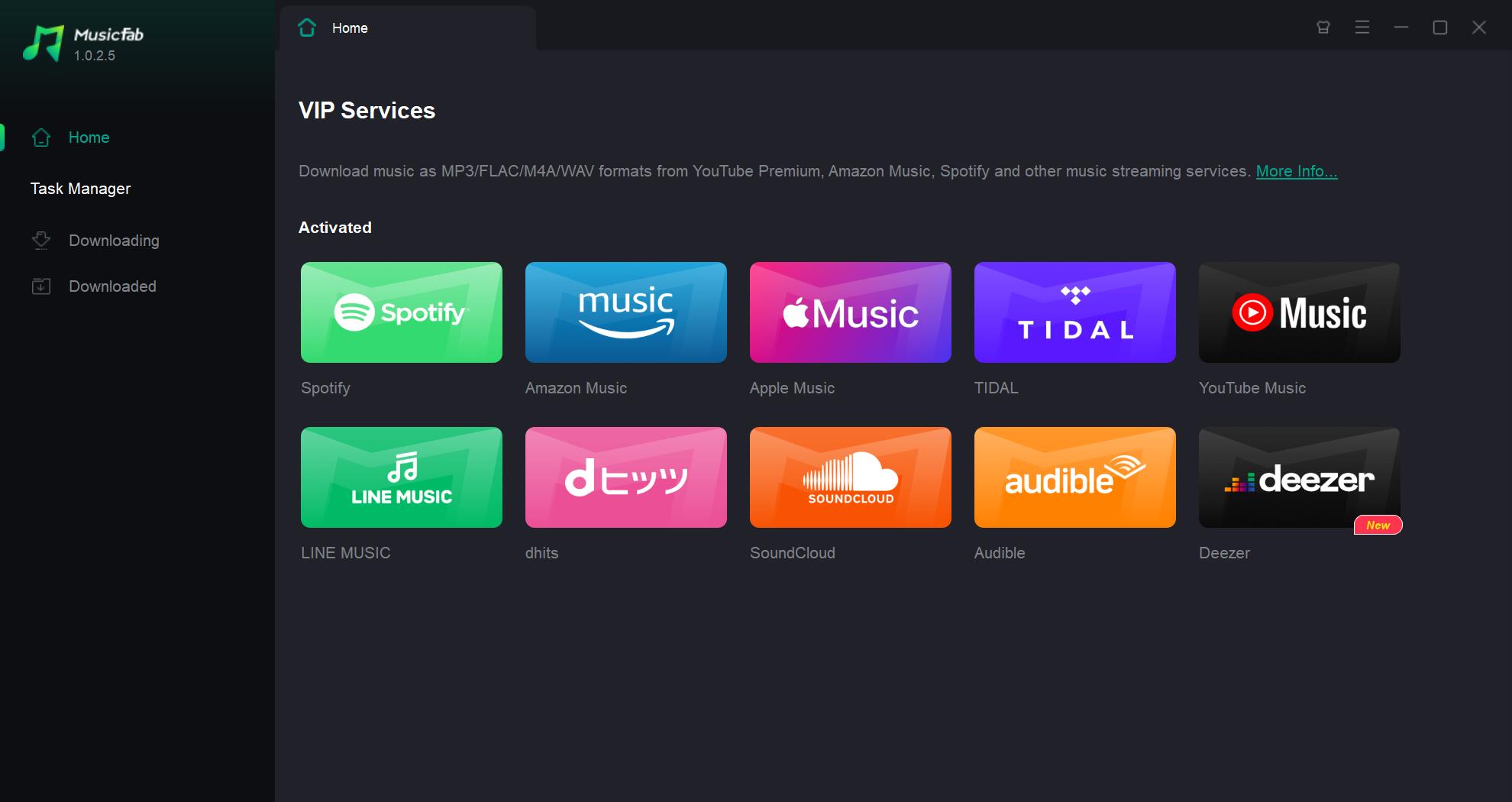
MusicFab All-In-One is one of the MusicFab products that lets you download songs, albums, podcasts, playlists, and audiobooks from music streaming platforms like Spotify, Amazon Music, Apple Music, YouTube Music, and many more. You can download 3 songs for free on each platform to experience its speed and quality.

- Save music as MP3, FLAC, WAV, M4A or OPUS format.
- Download songs/playlists/albums/podcasts in a batch.
- Remove ads for free users.
-
20x faster speed conversion with built-in web browser.
- Preserve all ID3 tag details and lyrics.
FAQs
It’s not consistently safe. Domains and mirrors change frequently, and many pages rely on pop-ups, redirects, or notification prompts. If you browse it, avoid notifications and never install “helper” software.
Use licensed sources such as Bandcamp artist downloads, SoundCloud downloads (only when enabled by the uploader), and trusted music libraries with clear licensing. These are far more stable than random “free MP3” mirrors.
Conclusion
MyFreeMp3 is a popular music site for downloading music for free. It is an online converter, so that you don't need to install any app to use it. Besides MyFreeMp3, there are also several sites that you can use to download music such as MP3Skull, MP3 Quack, Y2Mate and MP3Juice Downloader.
However downloading from free download sites can cause security concern especially when you click on pop-ups, banner advertising, or push notifications presented by the website. You can use desktop app to download music if you are concern about the security of online website downloaders.
One of the desktop music downloader that you can use is MusicFab All-In-One. It has the capacity to convert streaming music to popular lossless audio formats, such as WAV, FLAC, and OPUS and it is available on Windows and Mac.

![10 Best YouTube to WAV Converters 2025 [Safe & Fast]](https://c.musicfab.org/uploads/images/2024-07/17206996344468865-25133daf28c92d3ac9abe86a67fddcf8.)
