

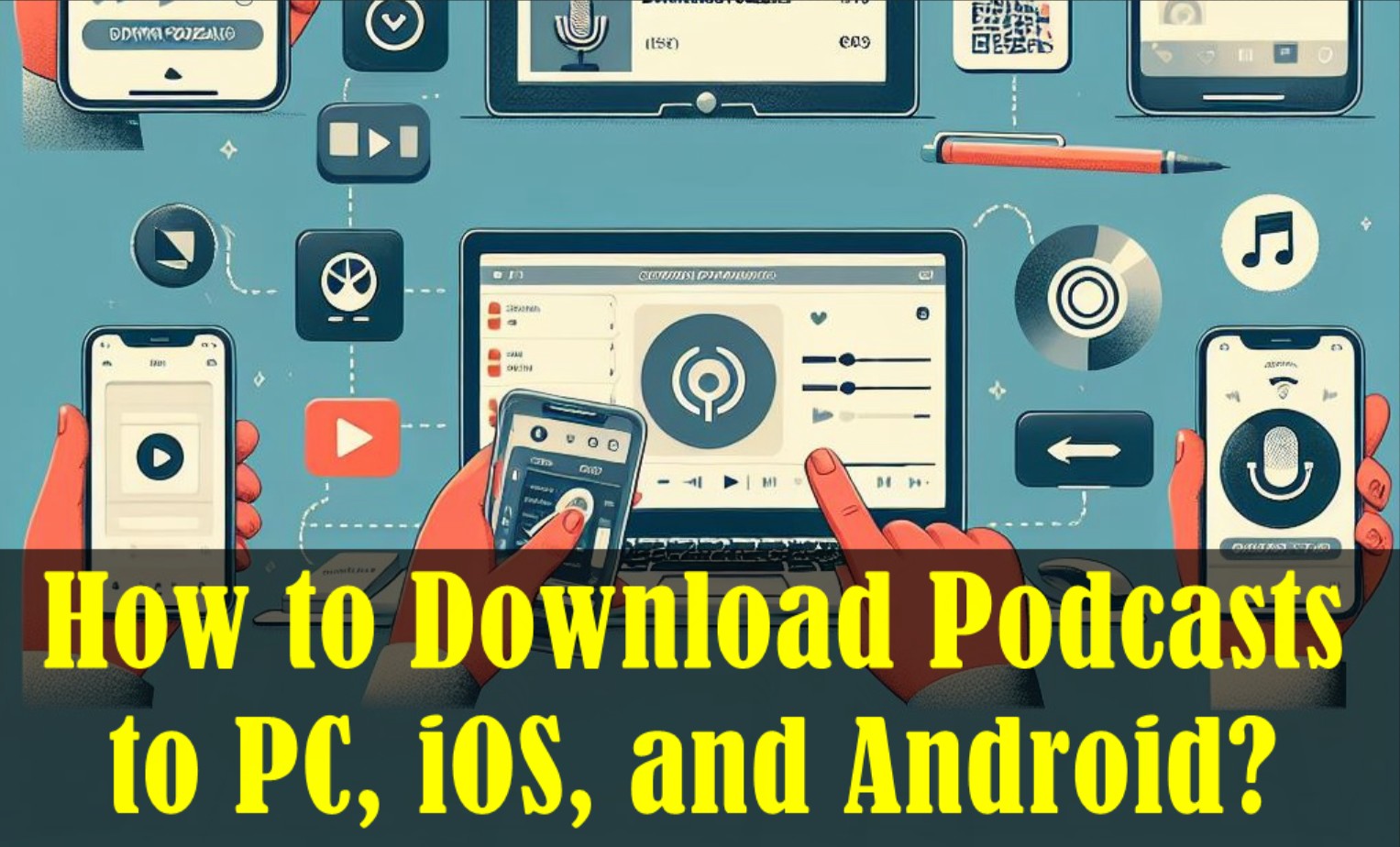
As podcasts continue to grow in popularity, more and more people are looking for ways of how to download podcast episodes to listen to offline. In this comprehensive guide, I'll walk you through the steps for downloading podcasts to all your devices.
Given the increasing popularity of podcasts, now is a great opportunity to explore this captivating realm of audio content.
Whether you are a dedicated podcast listener or a curious newcomer, learning how to download podcasts to your PC, iOS, or Android device is essential for uninterrupted listening pleasure.
Within this detailed guide, we'll guide you through each step, ensuring a smooth experience from beginning to end.
1. Introduction to Podcasts
Before we embark on our podcast downloading journey, let’s first understand what podcasts are and why they have captured the hearts and minds of millions of people worldwide.
Podcasts are captivating audio shows that encompass a wide range of topics, such as education, entertainment, current events, and storytelling. These engaging programs are created by passionate individuals or teams.
What distinguishes podcasts is their accessibility, appealing to a broad array of interests and providing an engaging auditory experience.
1.1 Benefits of Podcasts
Podcasts have completely transformed the way we access information and entertainment. They provide a variety of benefits, such as:

- Podcasts offer a convenient means of staying up-to-date with the latest news, stories, and trends even while on the move.
- Podcasts offer an abundance of educational and inspirational content across a vast range of subjects.
- One of the greatest advantages of podcasts is their vast diversity of content.
- Podcasts offer unparalleled flexibility and accessibility.
- Listening to podcasts can stimulate your mind, stimulate critical thinking, and ignite your creativity.
1.2 Popular Podcast Platforms
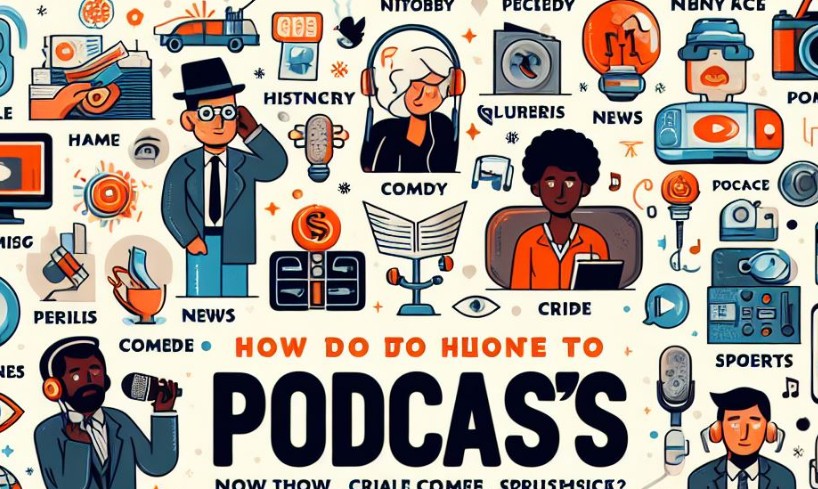
To download and listen to podcasts, you’ll typically use an app or platform that supports offline playback. In 2026, the most common options include Spotify and Apple Podcasts, plus cross-platform podcast players like Pocket Casts and Overcast.
If you previously used Google Podcasts, note that Google has discontinued it and moved podcast listening to YouTube Music instead. Also, Stitcher is no longer available as a standalone app, so it shouldn’t be considered a current option.
2. How to Download Podcasts to Listen Offline?
Below, we will provide thorough guidance on how to download podcasts on your computer, iPhones, and Android devices in a simple step-by-step manner. With these instructions, you can easily embark on the exciting journey of exploring podcasts.
2.1 How to Download Podcasts on PC?
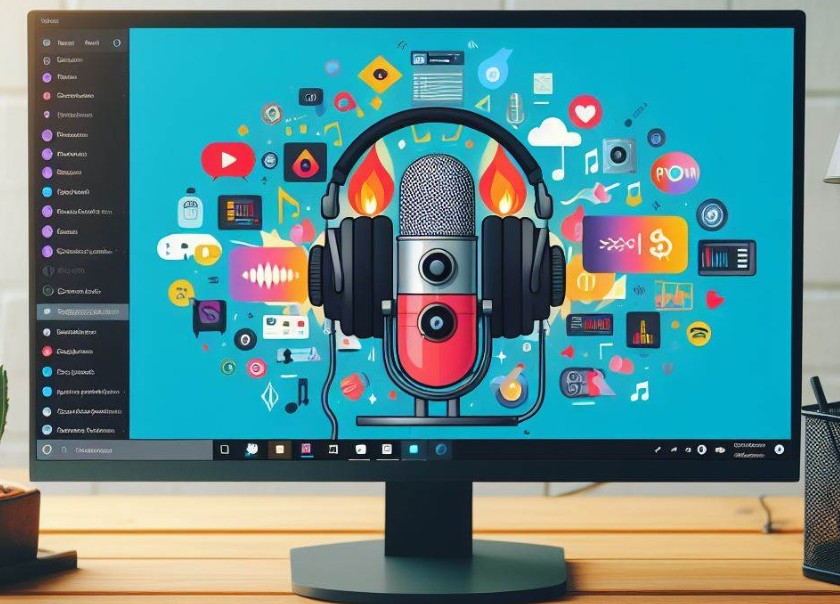
Downloading podcasts on a PC can mean two different things:
- Offline downloads inside an app (Spotify, etc.)
Most major platforms let you download episodes for offline listening, but the files usually stay inside the app and aren’t exported as standard MP3 files. In Spotify, you can download podcasts for offline listening, and Premium users can download music as well.
- Downloading an actual audio file (MP3) to your computer
Some podcasts publish episodes via RSS feeds or on official websites where you can download the episode file directly. In that case, you’ll get a normal audio file you can store in folders and play in any media player.
If you specifically need podcasts saved as common audio files (like MP3/FLAC/WAV) for flexible playback across devices, use a dedicated downloader/converter workflow (and only for content you have the rights to download).
2.2 How to Download Podcasts on iPhones and iPads?
Are you an avid podcast listener who wants to explore the world of audio content on your Apple devices? This part will guide you step by step on how to download podcasts on iPhones and iPads, enabling you to listen to your preferred shows wherever you are.
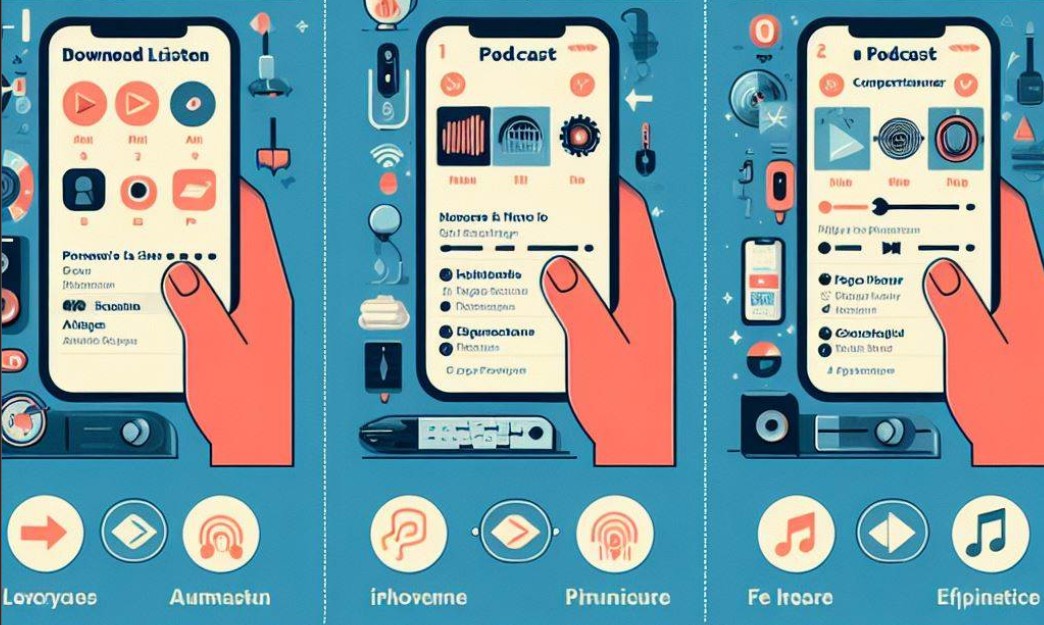
Choose the Perfect Podcast App
Prior to delving into the realm of podcasts, it is essential to choose the perfect application for your iPhone or iPad.
Apple’s pre-installed app, Apple Podcasts, serves as an excellent launching pad with its easy-to-use interface and extensive selection of shows.
For a more enhanced listening experience, you may also consider exploring alternative options such as Spotify, Stitcher, or Overcast.
Browse and Discover New Shows
Once you’ve chosen your preferred app, it’s time to dive into the podcast universe and explore various genres and topics.
Utilize the application’s search function to discover trending podcasts or explore suggested shows tailored to your preferences.
Remember, there’s a podcast for everyone, from educational and informative shows to captivating storytelling and immersive interviews.
Subscribe to Your Favorite Podcasts
Discovered a podcast that catches your attention? Click the subscribe button! By subscribing, you can ensure that the latest episodes will be downloaded to your device automatically, allowing you to stay updated effortlessly.
Furthermore, by subscribing, you can create a personalized collection of podcasts, making it easier to manage and organize your preferred shows.
Downloading Episodes for Offline Listening
Open the Podcasts app and go to a show’s episode list.
Swipe left on an episode and tap Download, or open the episode page and tap the Download button.
You can also tap the More (⋯) button and choose Download.
Stay Up to Date with Automatic Downloads
Want to ensure you never miss an episode? Enable automatic downloads! This handy feature, offered by many podcast apps, allows your device to download new episodes as soon as they become available.
Take a moment to adjust your app settings and enable automatic downloads for a seamless podcast experience.
2.3 How to Download Podcasts on Apple Watches?
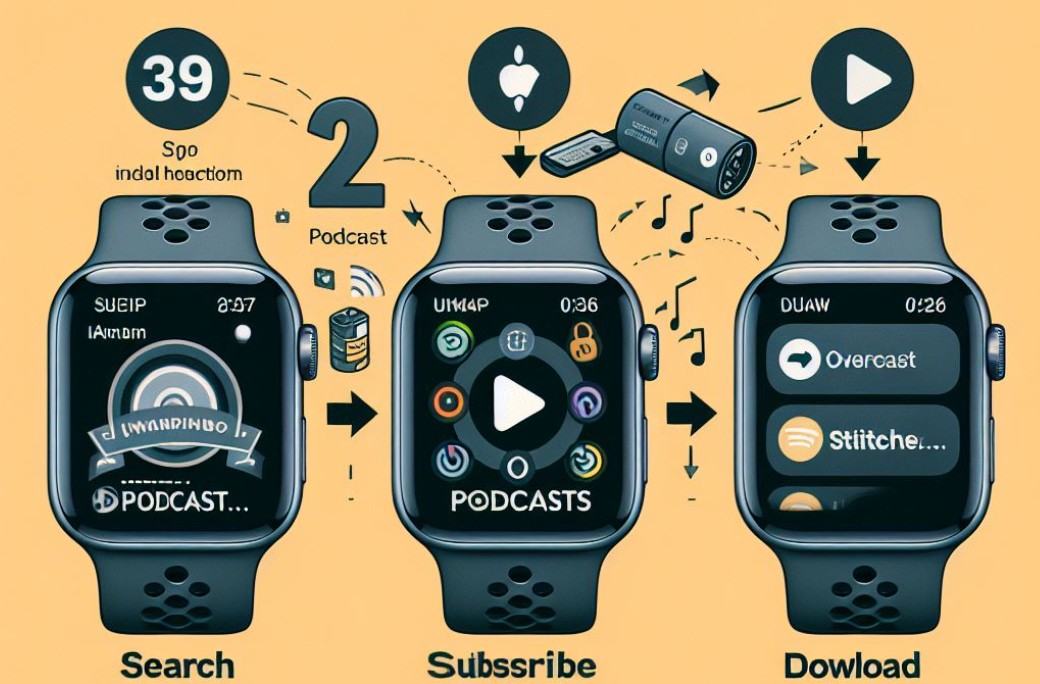
To listen offline on Apple Watch, you can add podcast episodes from your iPhone or directly on the watch:
Option 1: Add podcasts using your iPhone
- Open the Apple Watch app on your iPhone.
- Tap My Watch > Podcasts.
- Under “Add Episodes From,” choose Up Next, Saved, or a Station, then select how many episodes to download.
- Your Apple Watch downloads episodes when it’s connected to power (by default, it adds a few episodes per show).
Option 2: Find and follow podcasts on Apple Watch
- Open the Podcasts app on Apple Watch.
- Browse or search for a show, then follow it.
- Go to Library > Downloaded to see what’s available offline.
2.4 How to Download Podcasts on Android Devices?
If you own an Android device and want to dive into the fascinating world of podcasts, we’ve got you covered. Here is a detailed guide on downloading podcasts on Android devices:
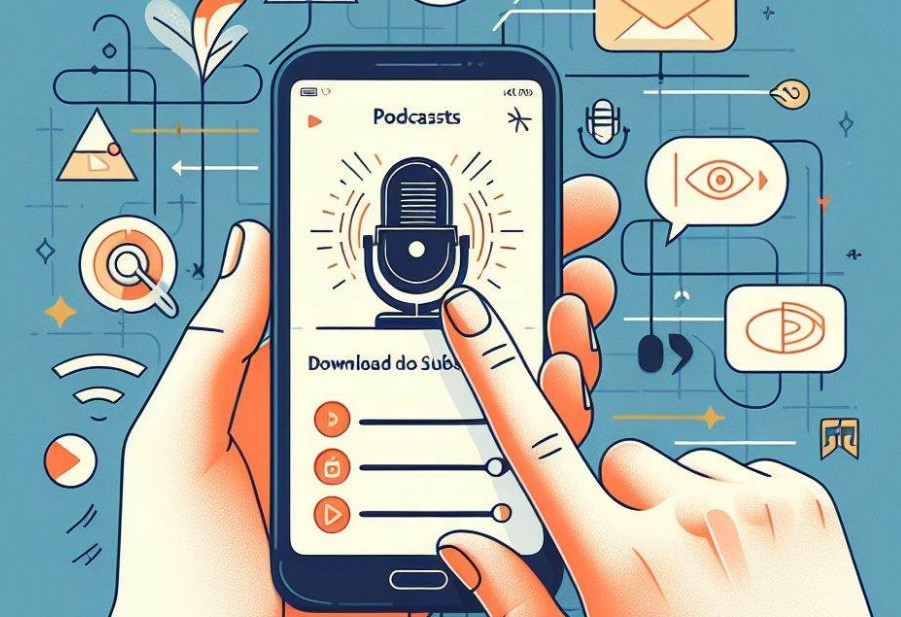
Select a Podcast App
Start by choosing a trustworthy podcast app that meets your needs. Popular choices for Android users include Spotify, and Stitcher. These apps not only offer a wide range of podcasts but also come with user-friendly interfaces and useful features.
Install and Open the App
After selecting your preferred podcast app, go to the Google Play Store, find the app, and install it on your Android device. Once installed, open the app to start exploring podcasts.
Explore Podcasts
Discover the diverse selection of podcasts offered within the app. You can search for particular podcasts based on their title, genre, or host.
Moreover, many podcast apps provide curated playlists and suggestions to assist you in finding new and engaging shows.
Select and Subscribe
After finding a podcast that piques your interest, select it to view more details, such as the episode list and podcast description.
If you wish to stay updated with the latest episodes, hit the “Subscribe” button. Subscribing ensures that new episodes are automatically downloaded or added to your library.
Download Episodes
To download individual episodes for offline listening, navigate to the episode list and look for the download icon or the “Download” button.
Tap on it, and the app will start downloading the episode to your Android device. Make sure to connect to a Wi-Fi network if you want to avoid excessive data usage.
Play and Enjoy
Once the episode is downloaded, head to your library or downloads section within the app. Here, you’ll find all your downloaded episodes ready to be enjoyed.
Tap on the episode, sit back, and immerse yourself in the captivating world of podcasts.
3. Best Apps to Download Podcasts
In recent years, podcasts have become extremely popular due to the abundance of engaging shows, leading to an increased demand for top-notch podcast download apps.
These applications simplify the process of downloading and enjoying your preferred podcasts while on the move, allowing you to listen even when offline.
Here, we have curated a list of the top podcast downloading apps, combining user-friendliness, features, and reliability.
3.1 MusicFab
MusicFab is a desktop application on Windows and macOS that allows users to download streaming music from various online platforms and convert them to common audio formats.
MusicFab simplifies moving streaming music to your own collection by combining downloading capability, format conversion, and bulk queuing of tracks from almost all major music platforms. This allows you to easily download whole playlists or discographies for offline playback.
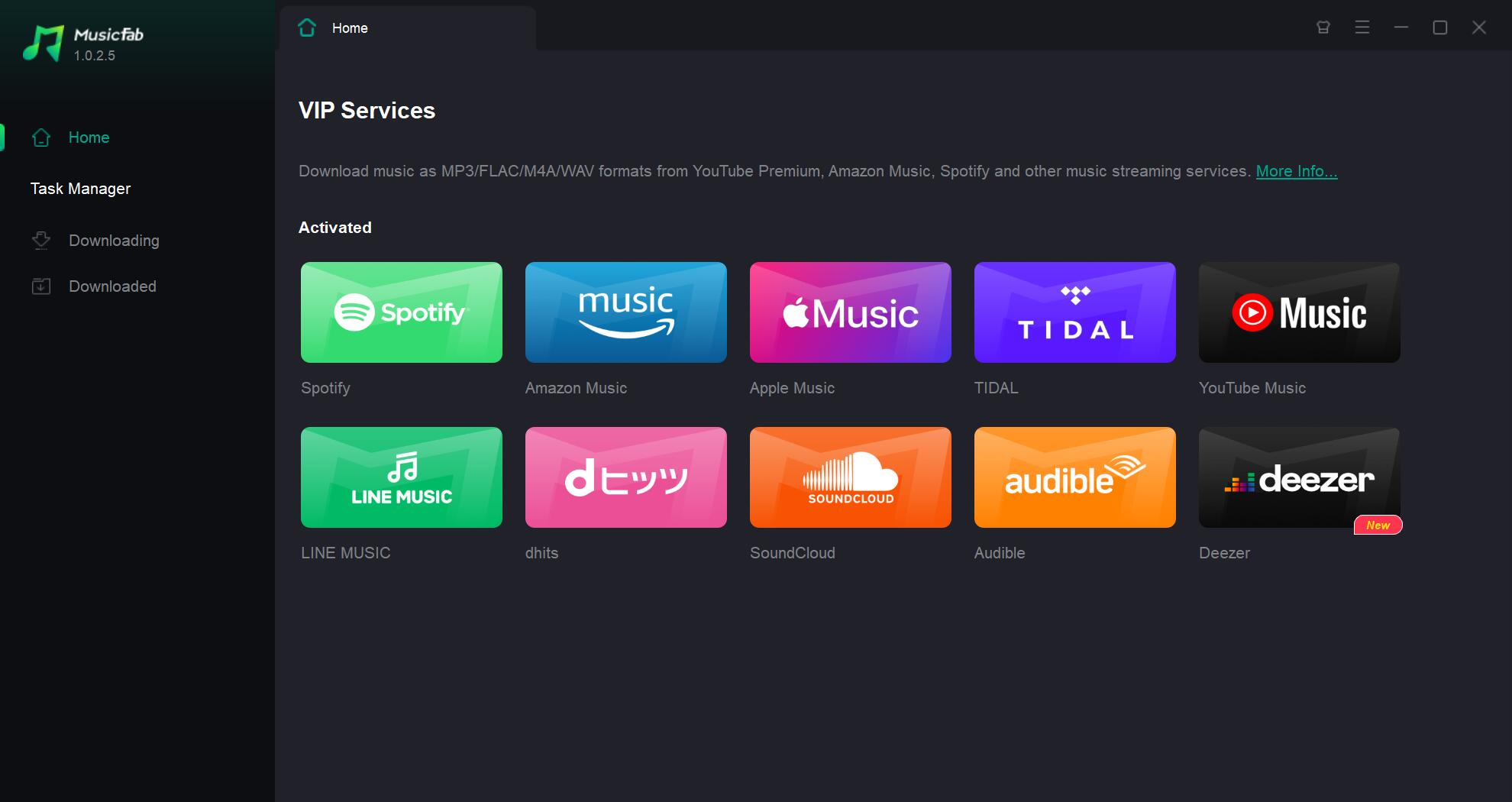
Here are some of its key features:
- Supports downloading music from Spotify, YouTube, SoundCloud, Deezer, Tidal and 10+ other sites.
- One-click to download podcasts, tracks, albums, playlists.
- Batch download multiple songs or full albums.
- Retains ID3 tags like title, artist, album, cover art.
- Converts downloaded tracks to MP3, M4A, FLAC, etc.
- Customizable output audio quality up to 320kbps.
- Download entire playlists and artist discographies.
- Multi-threaded fast downloading and conversion.
- Automatically saves music to local folders.
3.2 Castro
Castro offers a sleek and intuitive interface, making it a top choice for podcast enthusiasts. With its powerful queue management system, you can easily organize and prioritize your favorite podcasts.
The unique “Inbox” feature allows you to curate a personalized playlist, ensuring that you never miss an episode from your favorite shows. Castro’s advanced features make it an excellent option for those who want to fine-tune their listening experience.
3.3 Overcast
Overcast is another top-notch podcast downloading app that stands out for its simplicity and elegant design. This app optimizes your listening experience with its powerful audio features, including Voice Boost, which enhances voices and minimizes background noise.
Overcast’s Smart Speed feature automatically removes silences, saving you time without compromising the listening experience. With its intuitive interface and rich functionality, Overcast is a popular choice among podcast enthusiasts.
3.4 Pocket Casts
Pocket Casts is a feature-packed app that offers an extensive library of podcasts, along with a range of customizable options. Its cross-platform syncing ensures that your podcast subscriptions, playlists, and listening progress seamlessly transfer across devices.
Pocket Casts also provides various playback options, such as variable playback speed and volume boost, allowing you to personalize your listening experience. Its robust search function and curated recommendations make discovering new shows a breeze.

3.5 Podbean
Podbean is an all-in-one podcasting platform that not only allows you to download and stream podcasts but also offers hosting solutions for podcast creators. With its user-friendly interface and robust search capabilities, you can effortlessly discover and download your favorite shows.
Podbean also provides features like playlist creation, sleep timers, and customizable playback speed, ensuring a tailored listening experience.
When it comes to enjoying podcasts, the right app can make all the difference. These top podcast downloading apps provide an optimal listening experience, ensuring that you can immerse yourself in your favorite shows wherever you are.
Whether you prioritize sleek design, advanced features, or personalized recommendations, you’re bound to find the perfect app among the options listed above.
FAQs
Q1. How do I find podcasts to download?
A1. Start with major podcast platforms like Spotify and Apple Podcasts, or use cross-platform podcast apps like Pocket Casts. If you used Google Podcasts before, you’ll need to switch—Google Podcasts has been discontinued and podcasts moved to YouTube Music.
Q2. Can I download podcasts for offline listening?
A2. Indeed, many podcast platforms allow you to download episodes for offline listening, which comes in handy when you lack an internet connection or wish to conserve bandwidth.
When you’re connected to Wi-Fi, simply look for the download button next to the episode or podcast you want to save. Once downloaded, you can access these episodes anytime, even without an internet connection.
Q3. Can I download podcasts as MP3 files?
A3. Sometimes. If a podcast offers direct episode downloads via an RSS feed or an official website, you can often save a standard audio file (commonly MP3). However, “downloads” inside streaming apps (for example, Spotify offline downloads) are typically stored inside the app for offline playback and aren’t exported as normal MP3 files you can move freely.
Final Wrap-Up
By now, you have learned how to download podcasts on your PC, iOS, and Android devices. This step-by-step guide has equipped you with the necessary information to embark on your podcasting journey.
Now armed with the knowledge of podcast downloading for PC, iOS, and Android devices, you can delve into the expansive world of podcasts. Prepare to be entertained, informed, and inspired as you explore the diverse range of content available to you.

![10 Best YouTube to WAV Converters 2025 [Safe & Fast]](https://c.musicfab.org/uploads/images/2024-07/17206996344468865-25133daf28c92d3ac9abe86a67fddcf8.)
