

Well, promoting new music is indeed a delicate art. It is all about striking the right chord with your fans and audience. In fact, it is all about creating awareness and anticipation in the minds of your fans about the new music that you are launching.
This is what the Spotify Pre-save option offers you. Artists have been using the pre-save options to make their fans look for their music. But have you ever wondered how to pre-save on Spotify? We will also learn what it pre-save does on Spotify.
What does pre-save do on Spotify?
In 2026, a Spotify pre-save is essentially a release-day auto-save. When you pre-save an upcoming release, you’re allowing an authorized campaign (usually your label/distributor’s tool or Spotify’s own Countdown Page) to automatically add the track/album to your library the moment it goes live.
It’s not a purchase or a DRM-free download; think of it as setting a reminder plus an automatic Library save, so you can hit play immediately on release day
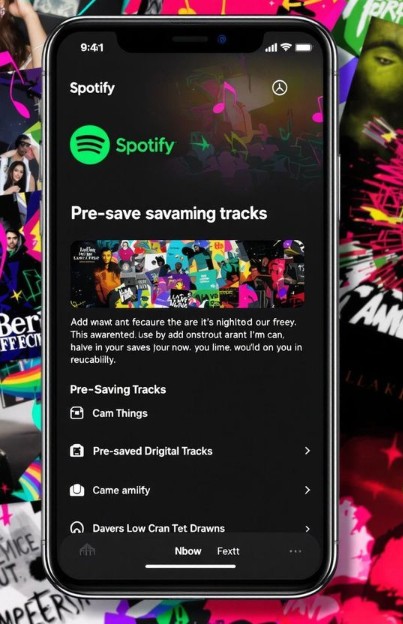
Fans can simply click on the Pre-save button to add the upcoming songs and albums to their Spotify library. The pre-save can be achieved through the artist's website or their social media profiles. I would compare it to reserving a front-row seat for a high-profile music show or drama.
In essence, the pre-save option lets you become one of the first ones to enjoy the music when it drops on Spotify.
How does Spotify pre-save work?
A pre-save works through a permission-based connection to your Spotify account. You click a pre-save button (often on a Spotify Countdown Page or a distributor’s smart-link landing page), log in, and approve access.
On release day, Spotify adds the release to your library and can send a push notification to pre-savers. This is why pre-saves matter: they convert “interest” into immediate first-day listening, and saves signal that help momentum in the early release window.
How to pre-save a song on Spotify?
Well, there are several means that help you in how to pre-save songs on Spotify. Now that you have understood what Spotify pre-save does let us check out the best methods to help you pre-save tracks on Spotify.
Method 1 – Use a pre-save link from the artist
Most of the time, artists launch pre-save campaigns for their most anticipated tracks and songs. They will create a pre-save link and share it on their websites and social media profiles.
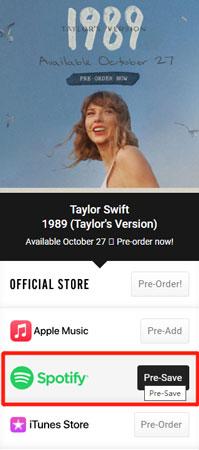
You can simply go to the official website of the artist and check if they have any pre-save campaigns running. They may also alert the fans about such links and campaigns through their social media handles.
You can go to the artist’s page on Spotify and check out the headings similar to Upcoming releases”. Once you pre-save a title, you will not be able to check it. The track will be added to the library on the release day.
A typical how to do steps can include the following:
- Visit the artist’s social media or official website.
- Look for a pre-save campaign (these usually have a “Pre-Save on Spotify” button).
- Click the link — you’ll be redirected to a landing page.
- Log in to your Spotify account and grant permission.
- Done! The song will be saved to your library on release day.
Tip: These pre-save links are often created using platforms like ToneDen, Hypeddit, Feature.fm, or Show.co.
Method 2 - Using Third-Party Pre-Save Tools
There are a few music marketing services that help you pre-save a track on Spotify. In fact, these music marketing services let the artists create a pre-save link and assist the fans in getting access to these links.
A few of these platforms include
Feature.fm
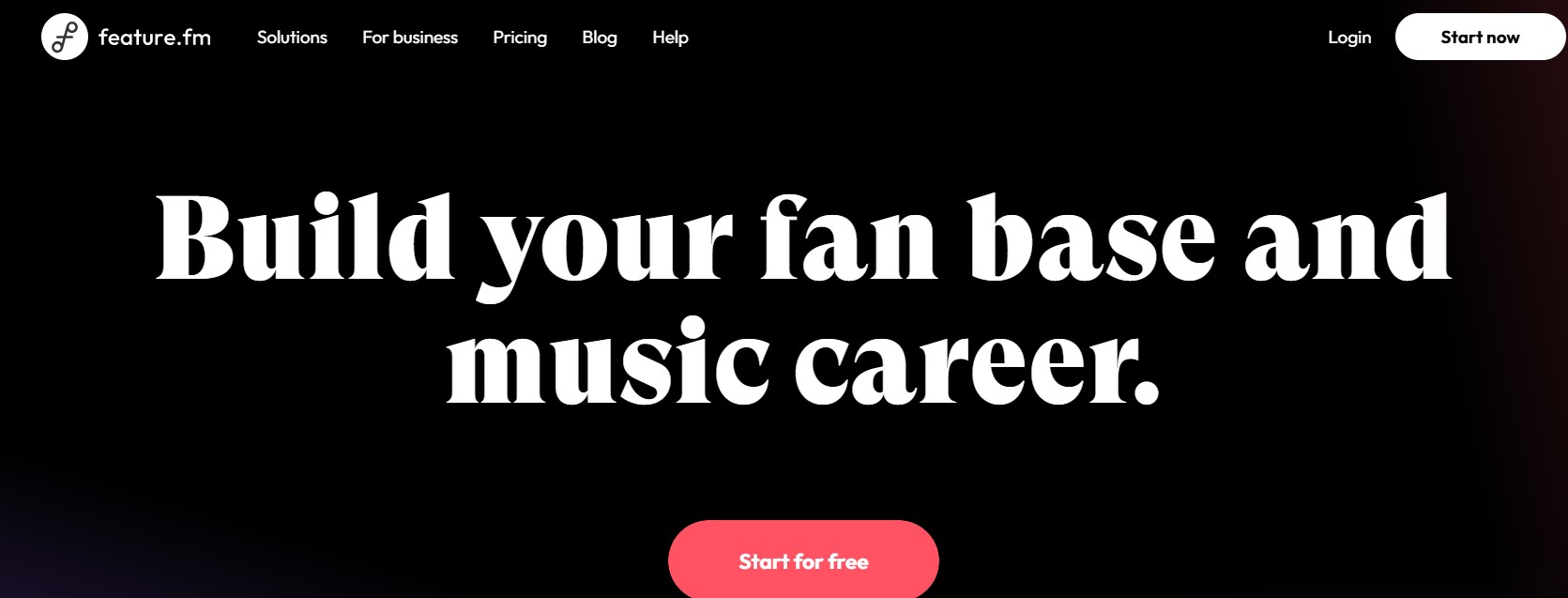
- Used by artists to generate customizable pre-save campaigns.
- Includes smart links, analytics, and automated sharing.
Show.co
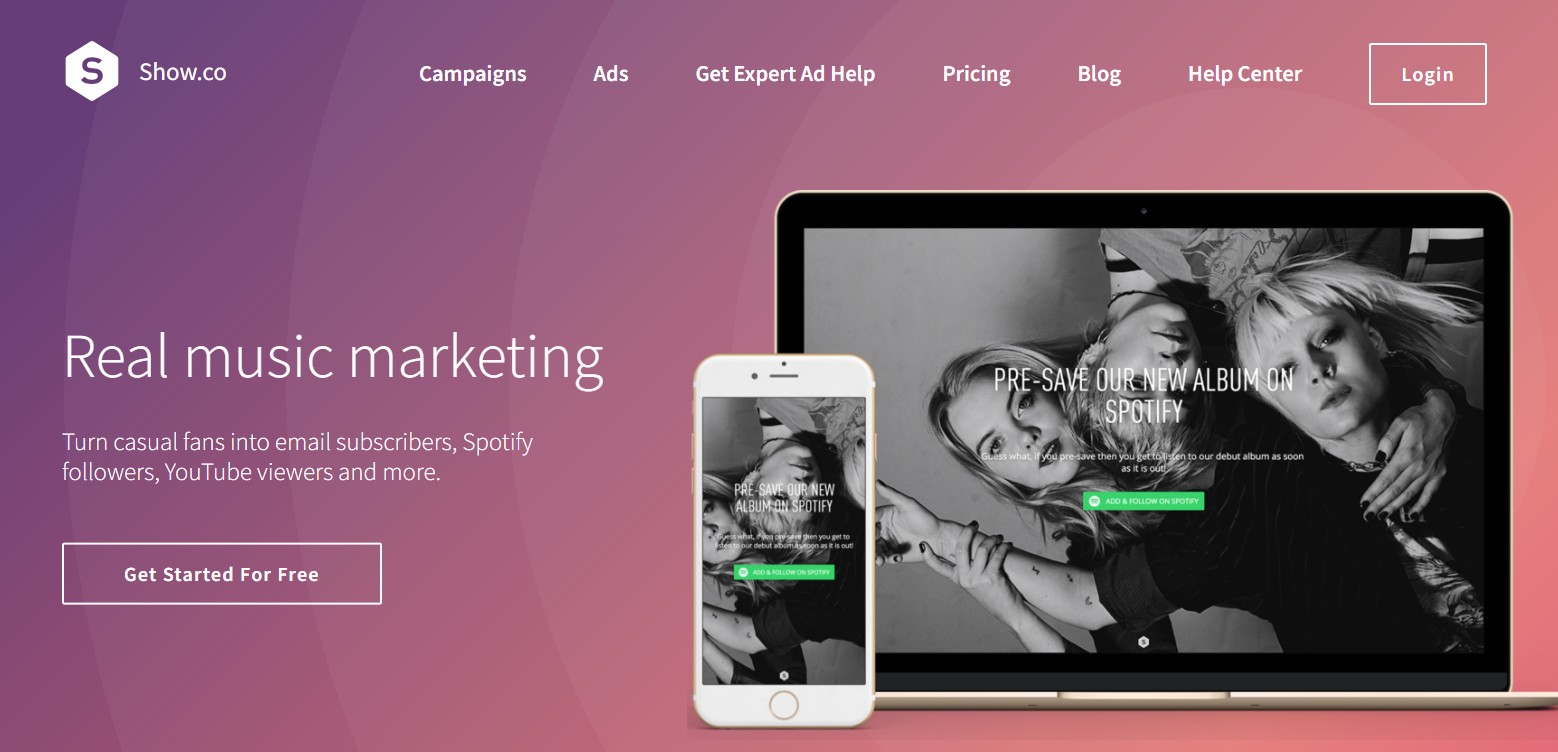
- Often used by record labels.
- Integrates Spotify pre-save with email collection.
Hypeddit
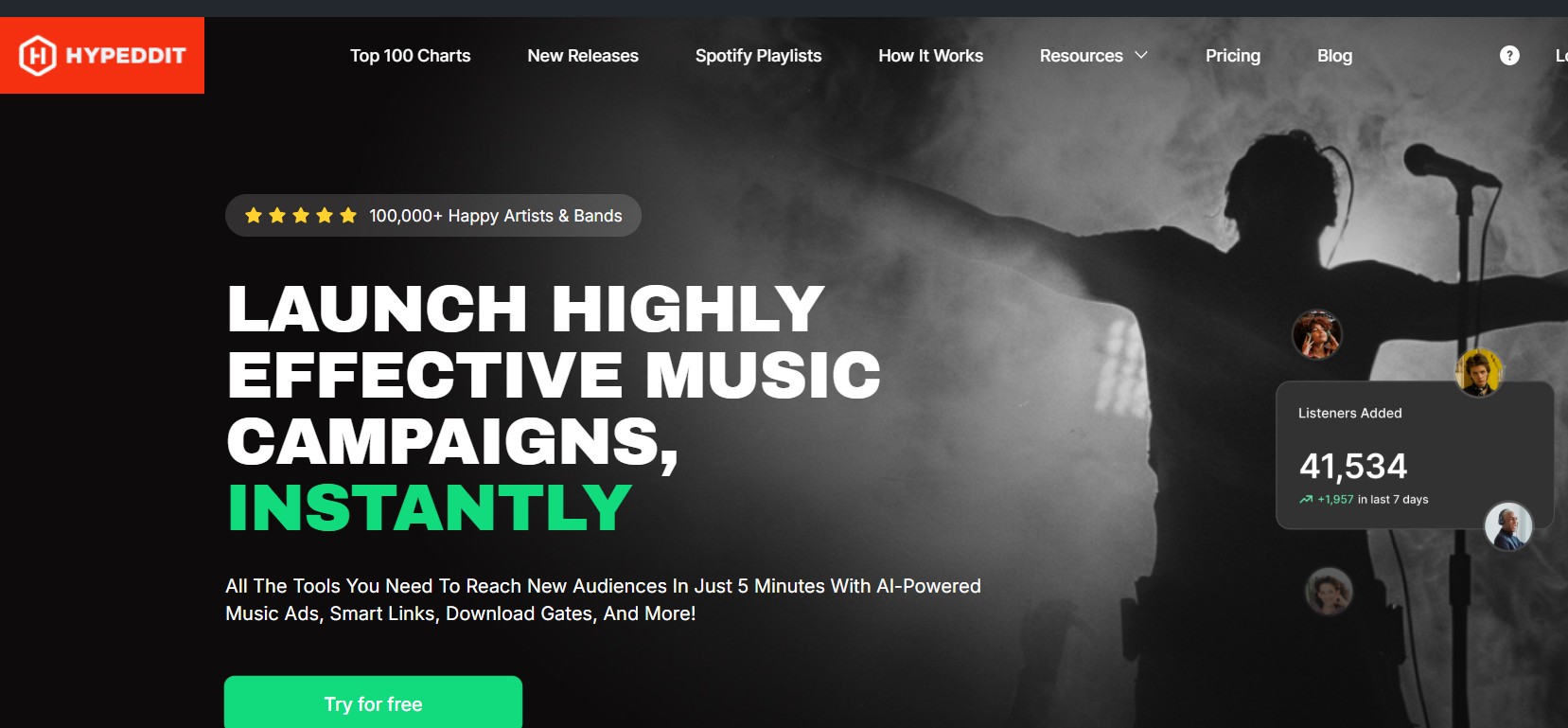
- A fan-favorite platform for pre-saves and downloads.
- Some artists offer exclusive content in exchange for a pre-save.
Here are the steps involved in how to pre-save on Spotify through these portals –
- Click on the provided link from the artist.
- Authenticate your Spotify account.
- Hit the pre-save button.
- Optionally, sign up for artist updates.
Please note that the exact steps would be largely depend on the platform that you have chosen. Shared above are the general steps.
Note: You can’t create a pre-save link as a listener. Only the artist or label can create them using Spotify’s API via third-party tools.
Method 3 - Use Spotify Countdown Pages
In 2026, the most official pre-save experience is Spotify Countdown Pages.
When an artist has a Countdown Page live, you’ll typically see it promoted from the artist profile, Search/Home surfaces, or a shared link. Fans can pre-save the upcoming release in one tap, preview the tracklist, and sometimes view Clips or merch, all in one place.
If you see a Countdown Page link, use that first: it’s the cleanest route and the least confusing for listeners.
Method 4 - Following Artists to Get Release Alerts
There is no widespread details generally shared on the pre-save tracks by artists. The information is generally shared through closed groups. Then, how to get pre save link for Spotify? Well, one of the excellent options to help you do that would be to follow the artists to get an alert.
Following the artist on Spotify can be a simple trick to get the unreleased music as soon as it is released. Wondering why? Well, if you follow an artist, you will be notified as soon as they release a new track or album. You may be able to find the new tracks under "Release Radar" and "What's New."
Once again, this is not a true pre-save option. However, it will help you ensure that you do not miss a track from the artist you love.
You can simply search for the artist and tap on the Follow button. You may also turn on the Spotify app notifications so that you will never miss out on the alerts.
Bonus - Using MusicFab Spotify Downloader (For Offline Saving)
Well, you may as well be looking for the best ways for how to download the songs from Spotify for offline listening. Of course, the pre-save links cannot be downloaded as the tracks haven't yet been released. However, you can use sophisticated tools like MusicFab Spotify Converter to download the tracks as soon as they are released.
MusicFab Converter offers you excellent and robust download functionality for your downloads. One of the fastest downloaders out there, it offers you a high-quality audio downloads in high resolutions.
How to use MusicFab Converter to download Spotify tracks?
The steps involved in downloading the MusicFab Converter are very simple and easy to use. You do not need any sort of technical expertise to help you download the Spotify tracks.
Step 1. Install MusicFab on your computer
Download the MusicFab downloader from the official website. You can choose from among the Windows and Mac versions based on your operating system. I would recommend you to use the free trial option to ensure that you can get used to the tool before you can go with a subscription plan.
Step 2. Choose Spotify
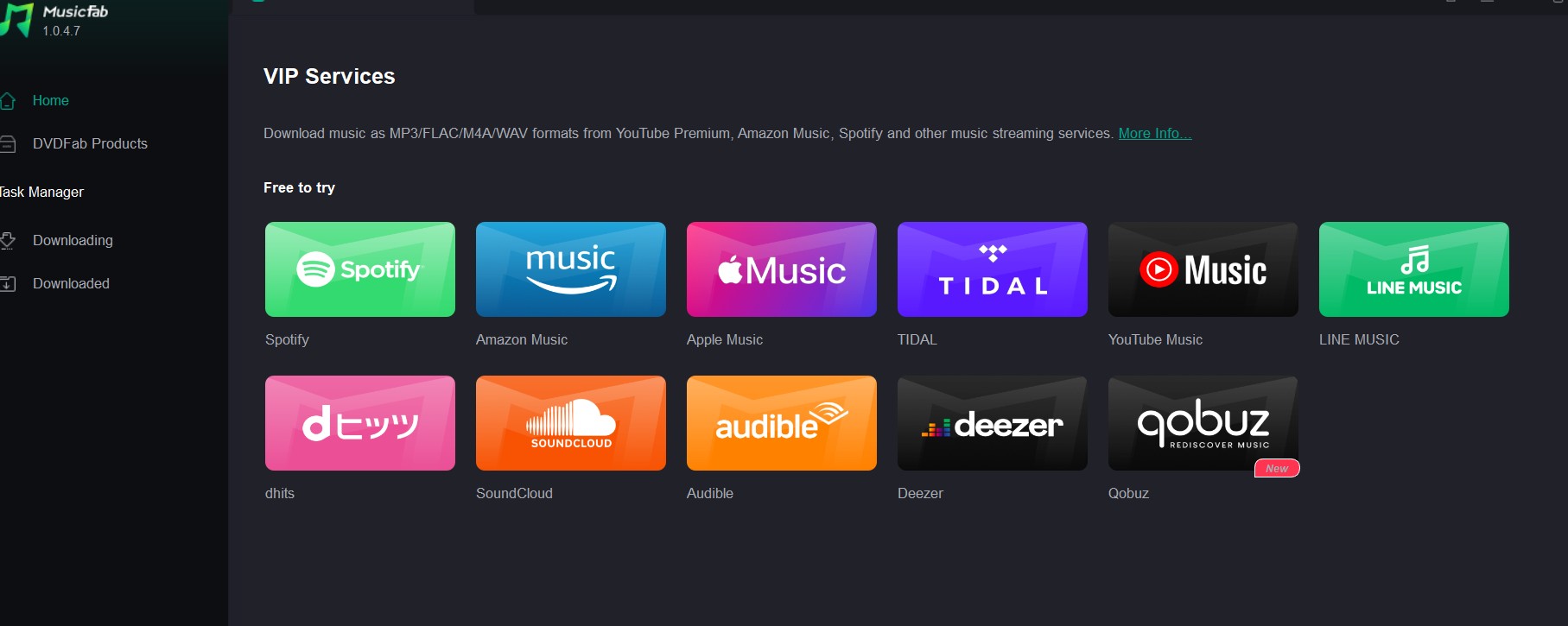
The converter supports multiple music streaming services. Choose Spotify and sign in to your Spotify account. You may also create a new account if you need to.
Step 3. Search for the track you want to download
Use the search feature to find the track that you want to download. Clicking on the tracks should bring up the download parameters dialog box. Configure your download preferences, such as audio quality and file format.
Step 4. Download the track
Click the Download Now button or the download arrow to begin downloading the track to your device. You can check the download progress from within your tool.
Conclusion
Pre-saving on Spotify is more than just a cool feature — it's a win-win for fans and artists. Whether you're using direct links, third-party tools, or follow notifications, it helps you stay ahead of the music release curve.
For artists, every pre-save boosts the song’s visibility. For fans, it’s about getting your favorite music delivered the moment it drops.
And if you want to go a step further and want to know how to save a song to files from Spotify, MusicFab Spotify Downloader is the tool for you.

![10 Best YouTube to WAV Converters 2025 [Safe & Fast]](https://c.musicfab.org/uploads/images/2024-07/17206996344468865-25133daf28c92d3ac9abe86a67fddcf8.)
