
In the digital age, music lovers have a plethora of formats to choose. One such format is FLAC (Free Lossless Audio Codec), renowned for its high-quality sound. This article will guide you through the process of FLAC download.
If you’re looking to boost your digital music library with studio-quality tunes, downloading FLAC files is the way to go. But what’s the best way for the average music lover to download FLAC files?
This article will walk you through the entire FLAC downloading process, from the basics of the FLAC format to step-by-step tutorials using today’s top sites and tools.
1. Understanding FLAC Format
Before we jump into the how-to sections, let’s quickly go over what exactly FLAC is and what the key benefits are:
1.1 What is FLAC?
FLAC stands for Free Lossless Audio Codec. It is an audio file format that compresses audio files without any loss in quality. This works through an algorithm that removes redundant bits in the audio data while preserving 100% of the original sound.
Unlike popular “lossy” formats like MP3, AAC and Ogg Vorbis, no musical detail or nuance is sacrificed when converting audio sources to FLAC. It retains perfect 1:1 copies of the original WAV or AIFF audio files.
1.2 Benefits of FLAC Format
There are several major advantages of using FLAC files over lossless formats:
- FLAC maintains CD-quality audio in smaller file sizes. Compared to WAV or AIFF, FLAC reduces files sizes by roughly 50% without compromising fidelity. A 3-minute song can be 70-80MB in WAV format but only 30-40MB as a FLAC.
- FLAC is supported by many software and hardware players. Once considered a “niche” format, FLAC compatibility has grown tremendously and now enjoys wide support across mobile phones, portable devices, streaming boxes, receivers, music players, and computers running Windows, macOS or Linux operating systems.
- FLAC files retain key metadata like cover art, track details, etc. When ripping music to FLAC or downloading FLAC music directly, all the original file's metadata components are preserved.
- FLAC is a free, open-source format. Anyone can use FLAC without paying licensing or royalty fees. There are even many free software tools for encoding, decoding and tagging FLAC files.
2. Top Online Stores for FLAC Download
Unlike mainstream formats like MP3 and AAC that you can buy or download from virtually any digital music store (iTunes, Amazon Music, etc), high resolution FLAC music is harder to find from commercial providers. Most major record labels have not embraced FLAC as widely.
Here are the best sources to download FLAC files:
- HDTracks - Major retailer offering entire catalog lossless music for purchase, with albums in FLAC, ALAC & WAV. Very extensive collection across all genres.
- Qobuz - European site providing FLAC downloads and also CD-quality streaming service. Great classical selection.
- Bandcamp - One of the best outlets for independent artists, Bandcamp also hosts a great selection of music in FLAC format at various sample rates. Many are free to download once an album purchase is made.
- ProStudioMasters - Specialized audiophile record label providing lots of albums mastered for high-resolution FLAC download.
- Acoustic Sounds - Leading vendor for hybrid SACDs and boutique record labels. Carries many hard-to-find albums as FLAC downloads.
3. Top Music Streaming Services for FLAC Download
Beyond stores focused specifically on lossless audio, most top music streaming platforms like Spotify, Apple Music and Amazon Music now enable users to download select songs, albums or playlists to their device’s storage for offline listening.
Here's a quick guide on how to download FLAC files from the major streaming services:
- Spotify - Requires a Spotify Premium subscription. Open the app settings and toggle on "Download in High Quality" then save any music file locally. Can download up to 10,000 songs total.
- Apple Music - Access full Apple Music library offline by saving songs to the “My Music” section. Downloads automatically in 256 kbps AAC format rather than FLAC. Limited to 100,000 total downloads.
- Amazon Music - As part of Prime membership or Amazon Music Unlimited subscription, can download purchased music or matched Prime songs to tablet/mobile device storage. Streams at 256 kbps; upgrades to FLAC quality require Music HD add-on.
- Tidal - Users must be on a HiFi-tier paid plan to download content for offline listening and retain original lossless quality. Library includes over 70 million FLAC tracks.
- Qobuz - In addition to selling Hi-Res albums for download, the Qobuz app lets you save any track for offline access as 320 kbps MP3 files or 16-Bit/44.1kHz FLAC audio files depending on subscription plan.
4. Step-by-Step Guide for to FLAC Downloads
Now that you know where to find FLAC music available for download, let’s go through the process of actually downloading FLAC files to your computer and mobile devices. The steps are slightly different depending on which source you use.
4.1 Download FLAC from Online Music Stores
Purchasing and downloading FLAC files from major online stores like HDTracks and ProStudioMasters involves a simple 5-step process:
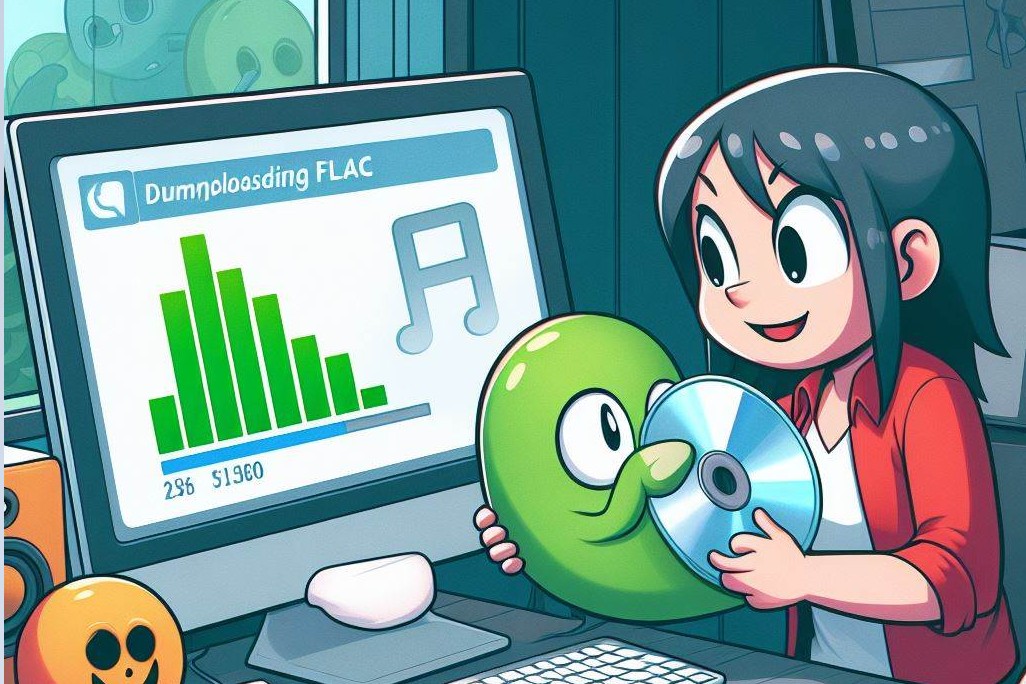
Note: The bought FLAC music downloads directly to your connected device for immediate access. Purchased albums remain available for re-download indefinitely in case files are ever lost.
4.2 Use Bandcamp to Download FLAC Files
As a go-to platform for emerging and underground genres like hip hop, electronic, punk, Bandcamp makes it easy for bands to share their music as Free/Name Your Price downloads with fans. Many artists publish lossless formats like FLAC alongside the usual MP3/AAC files.
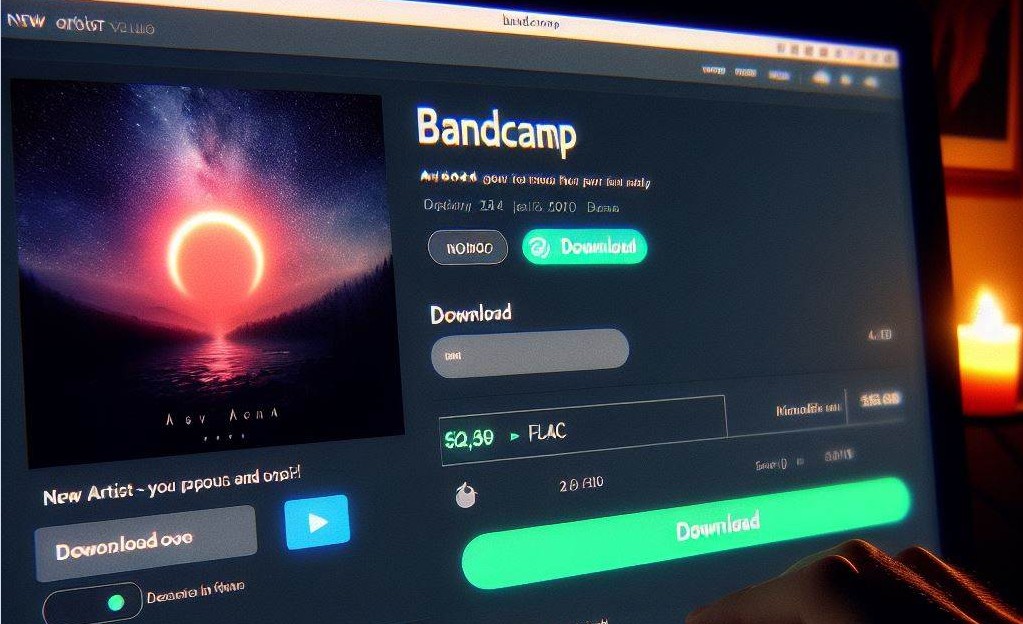
Follow these Bandcamp instructions to download FLAC files from any artist music page:
Note: Some artists may limit FLAC and lossless downloads to physical product orders only.
4.3 Use Streaming Apps to Download FLAC Offline
Another option to download FLAC music is taking advantage of offline saving features in streaming applications like Tidal and Qobuz. As mentioned earlier, you need a paid premium account for lossless quality.
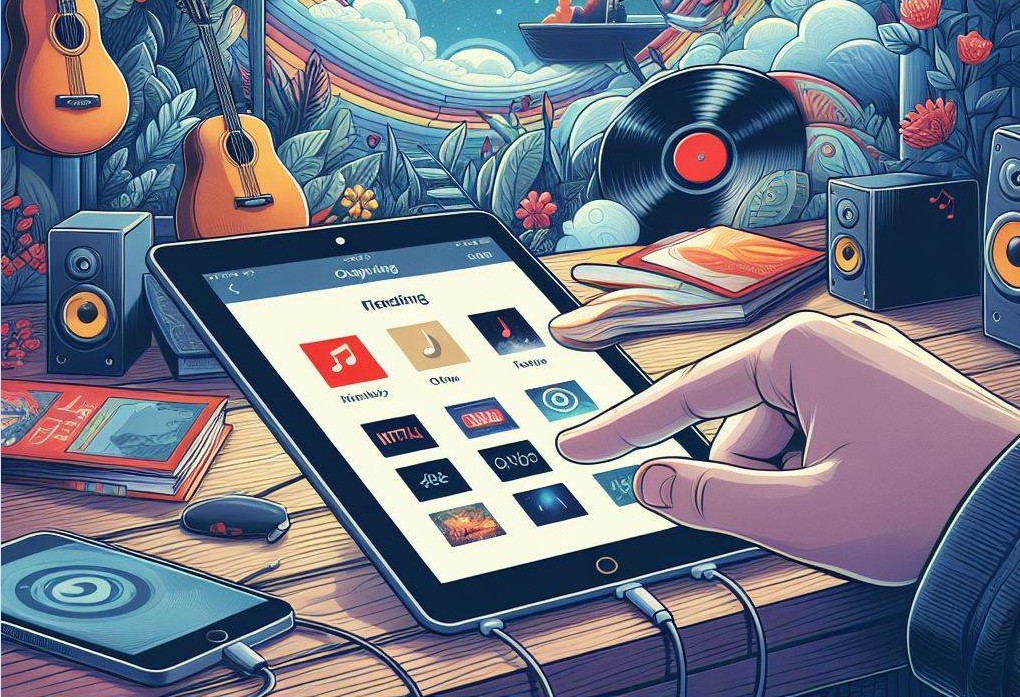
Here is how to download FLAC files for offline playback on mobile apps:
Note: The key difference vs a store purchase is that downloaded streaming songs may expire over time or need to be renewed periodically depending on service terms. Offline FLAC access also requires an active streaming subscription.
4.4 Use a One-Stop Streaming Music Downloader for FLAC Download
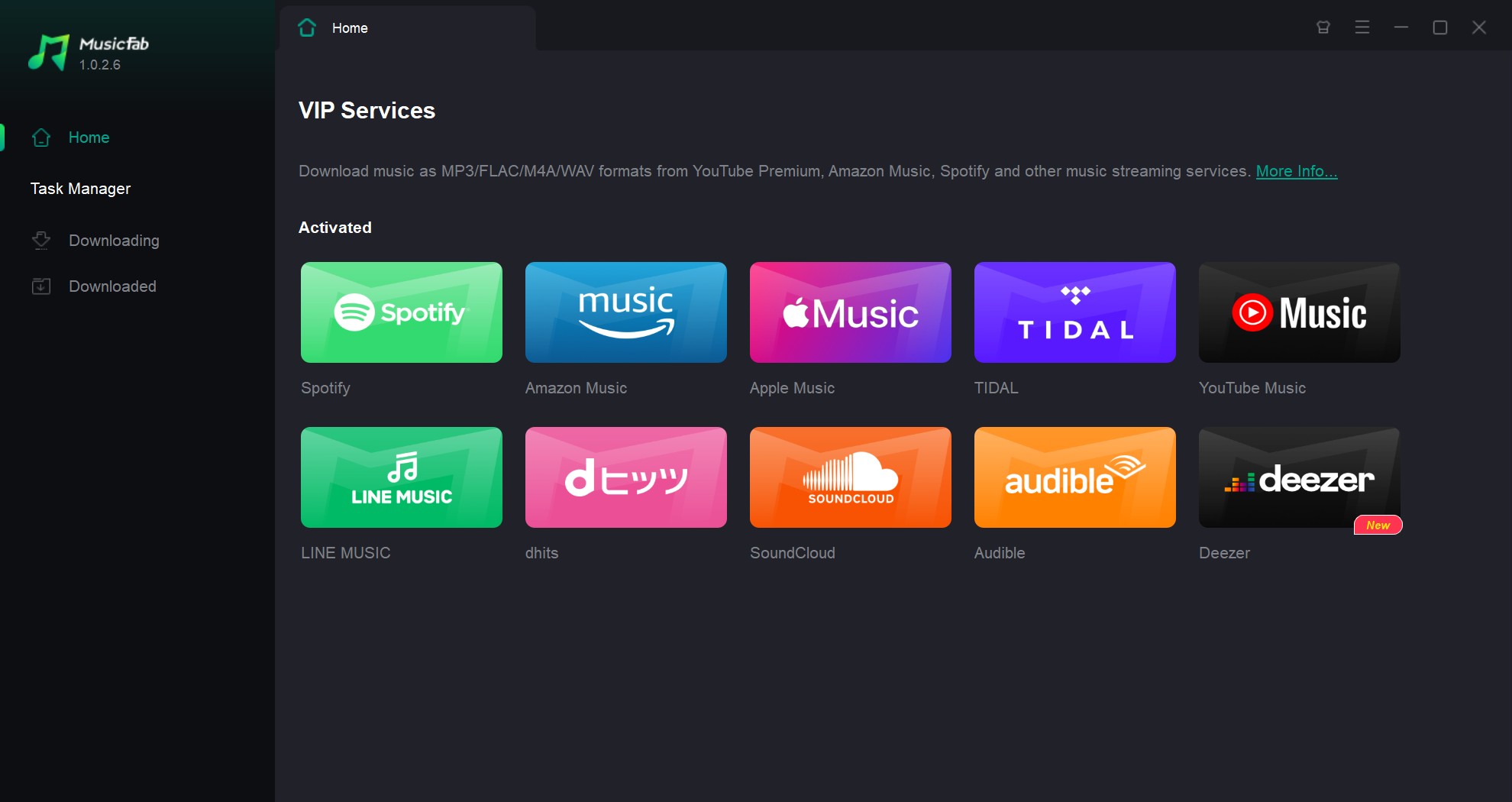
MusicFab is an all-in-one music downloading software that gives you unlimited access to songs from top streaming platforms. It saves all content as FLAC/WAV/OPUS/AAC/M4A/MP3 files playable on any device.
With MusicFab, building a personal music library has never been simpler:
Here is how to download FLAC music with this streaming music downloader:
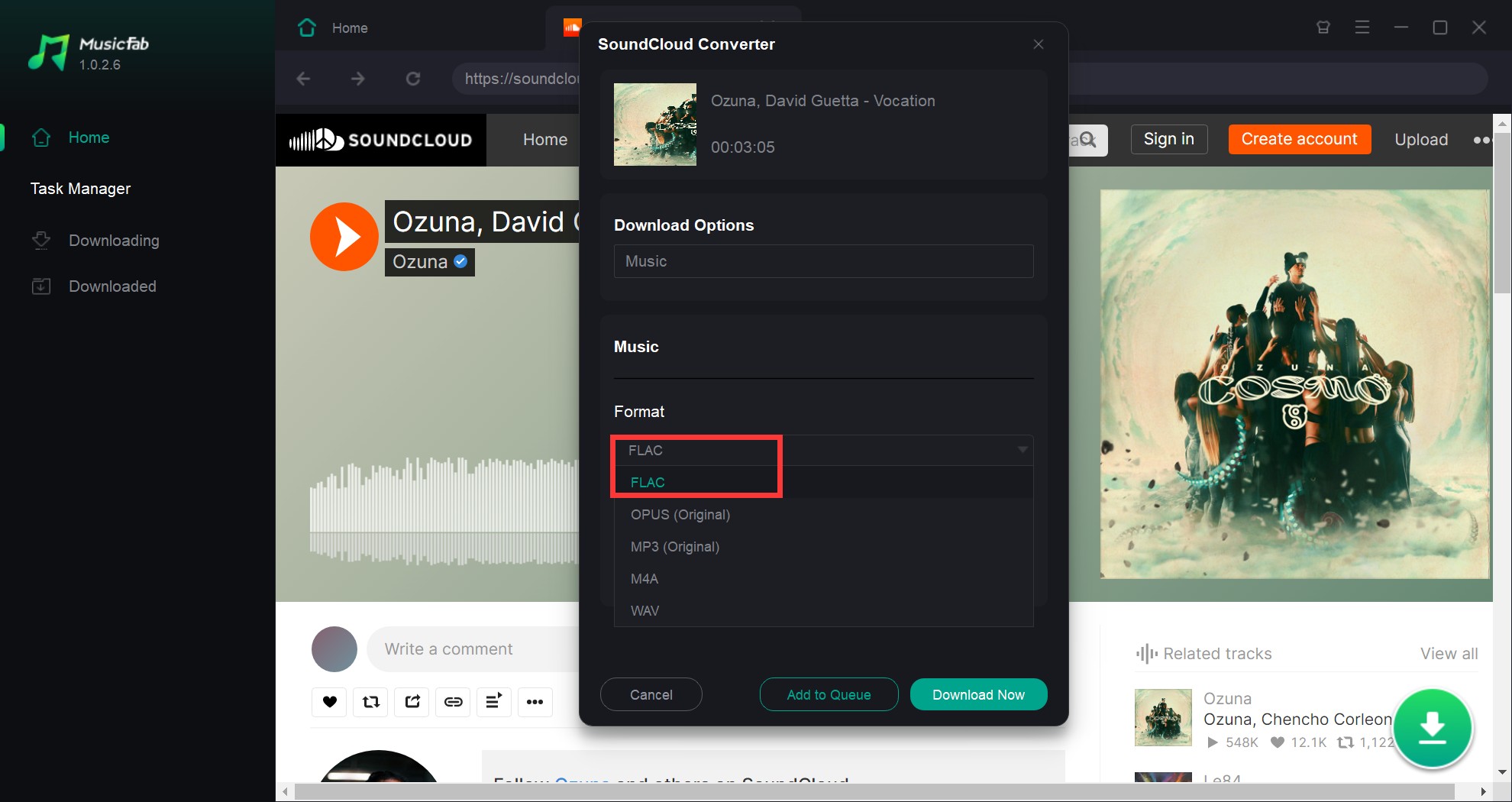
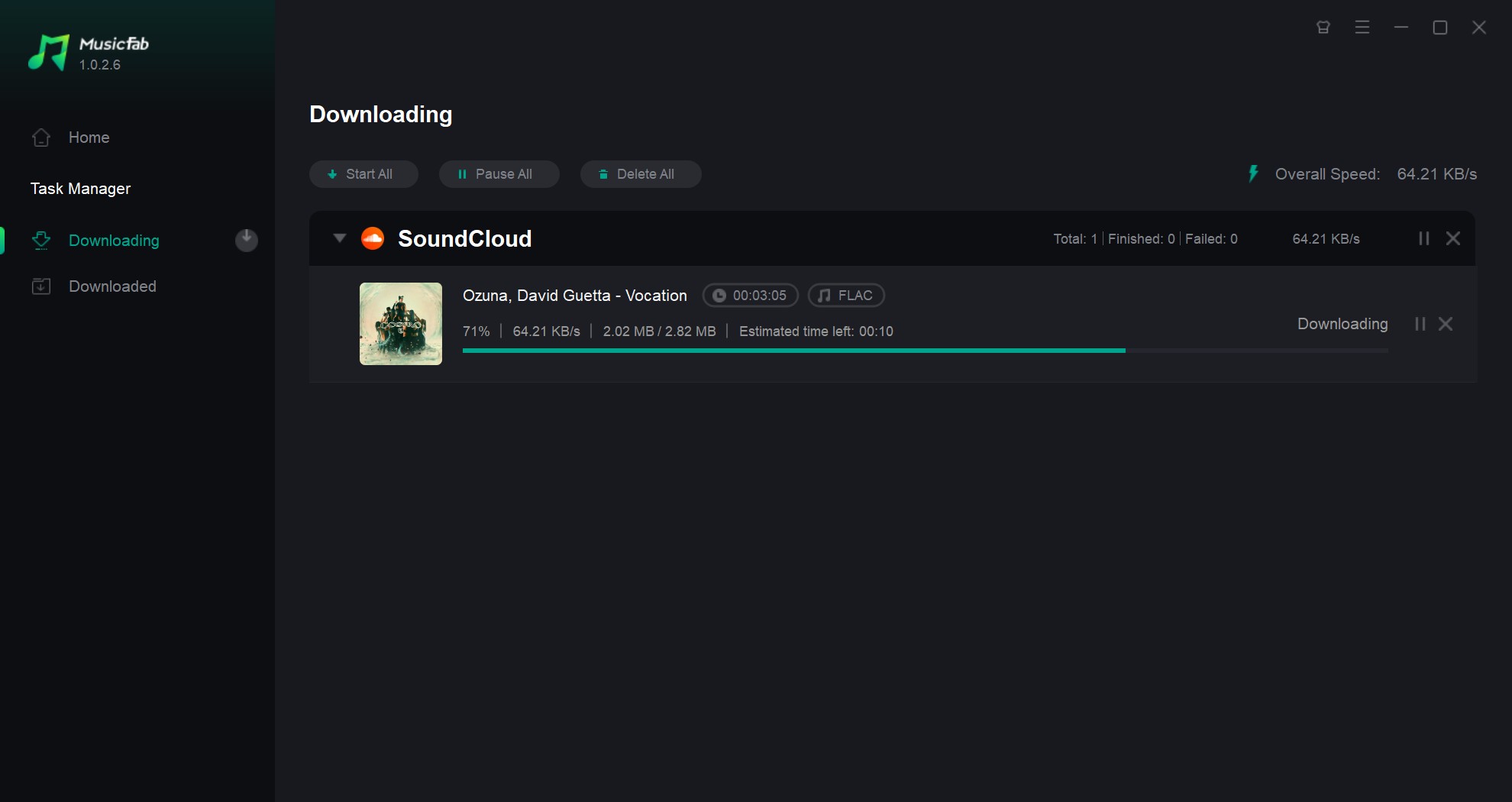
There you have it. Once the music is downloaded, you can play it on your computer with any media player software, or transfer the downloads to other devices freely to enjoy anywhere, anytime you prefer.
FLAC Download FAQs
Here are answers to some frequently asked questions about downloading FLAC files:
Can I play FLAC files on my device?
Most modern devices support FLAC files. However, some, like iPhones, require a third-party app.
AAre FLAC files much larger than MP3s?
Yes, due to the preservation of data, FLAC files are larger than MP3s.
AIs the sound quality difference noticeable?
This depends on your audio equipment. On high-end audio equipment, the difference is more noticeable.
ADoes Spotify let you download music as FLAC files?
No. Spotify Premium users can save tracks, albums and playlists for offline listening but is capped at a maximum of 320kbps bitrate. FLAC and other lossless formats are not supported.
AFinal Wrap Up
In 2026, obtaining high-quality FLAC files is no longer just about finding a source; it's about ensuring bit-perfect integrity. While many online platforms claim to offer 'lossless' downloads, they often deliver upscaled audio that fails frequency spectrum tests.
MusicFab allows you to extract genuine 24-bit audio in seconds, making it the fastest and most reliable way to build a permanent, studio-quality library without the limitations of a monthly subscription.

![10 Best YouTube to WAV Converters 2025 [Safe & Fast]](https://c.musicfab.org/uploads/images/2024-07/17206996344468865-25133daf28c92d3ac9abe86a67fddcf8.)
